

ຄຳອະທິບາຍ
Easy Media Replace allows you to replace images and media files easily while retaining the attachment URL and ID. No more delete, re-upload, and search-replace.
Features
- Easy to use.
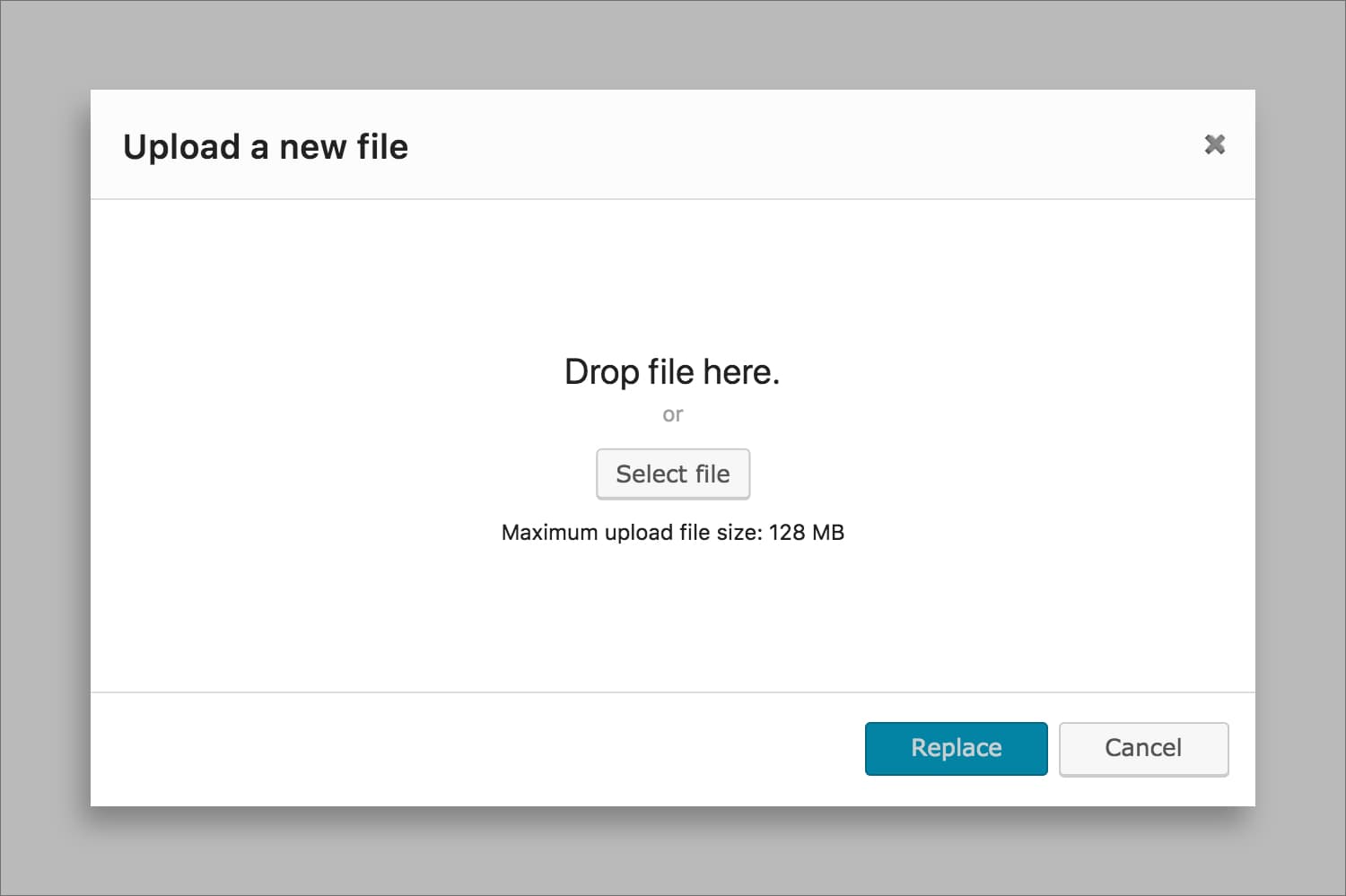
- Drag and drop file uploading.
- Replace images, PDF, videos, audios, and all media files.
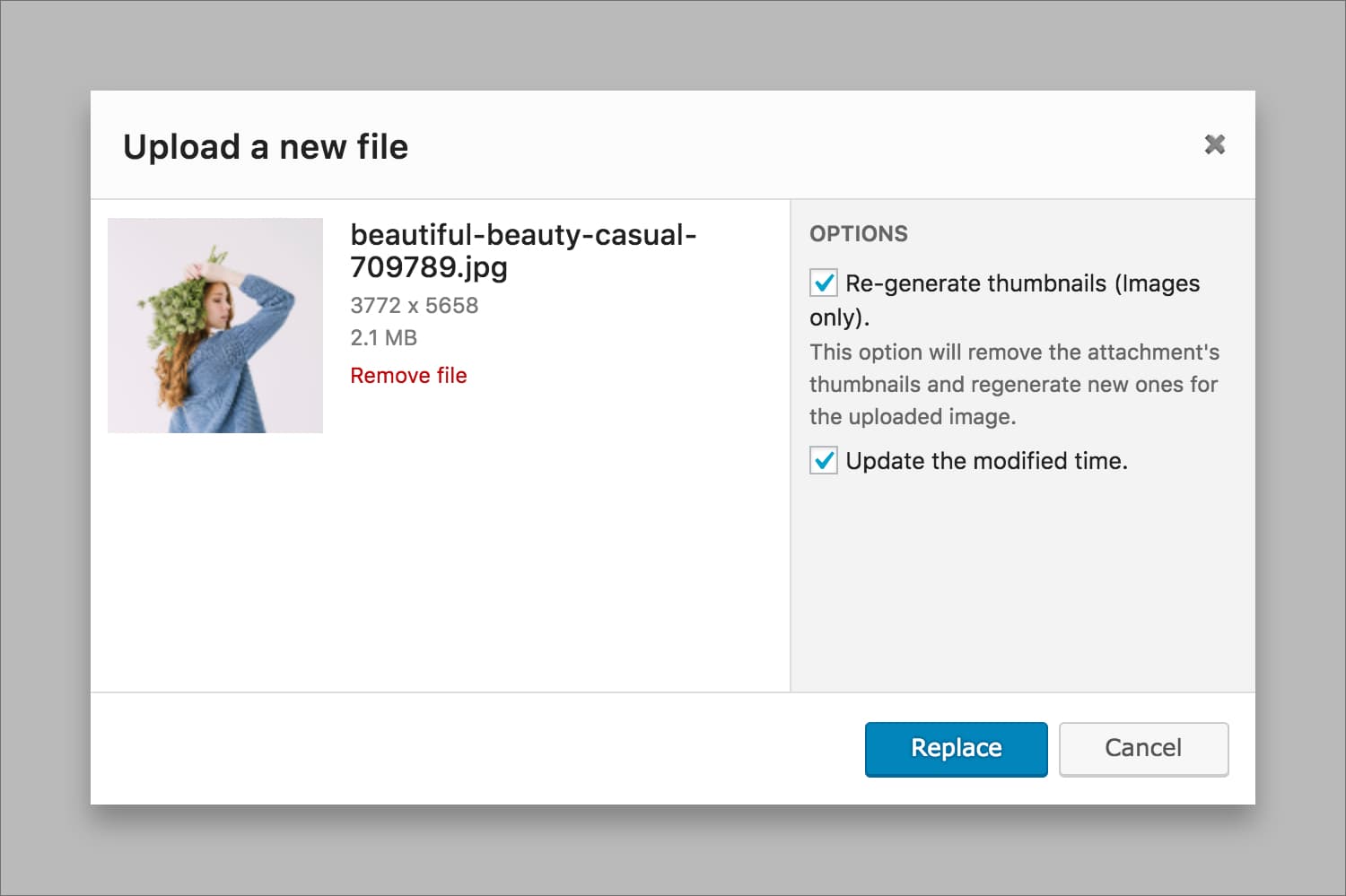
- Regerenate thumbnails (no plugin required).
- Don’t leave your page: Upload and replace files directly within current page.
Usage
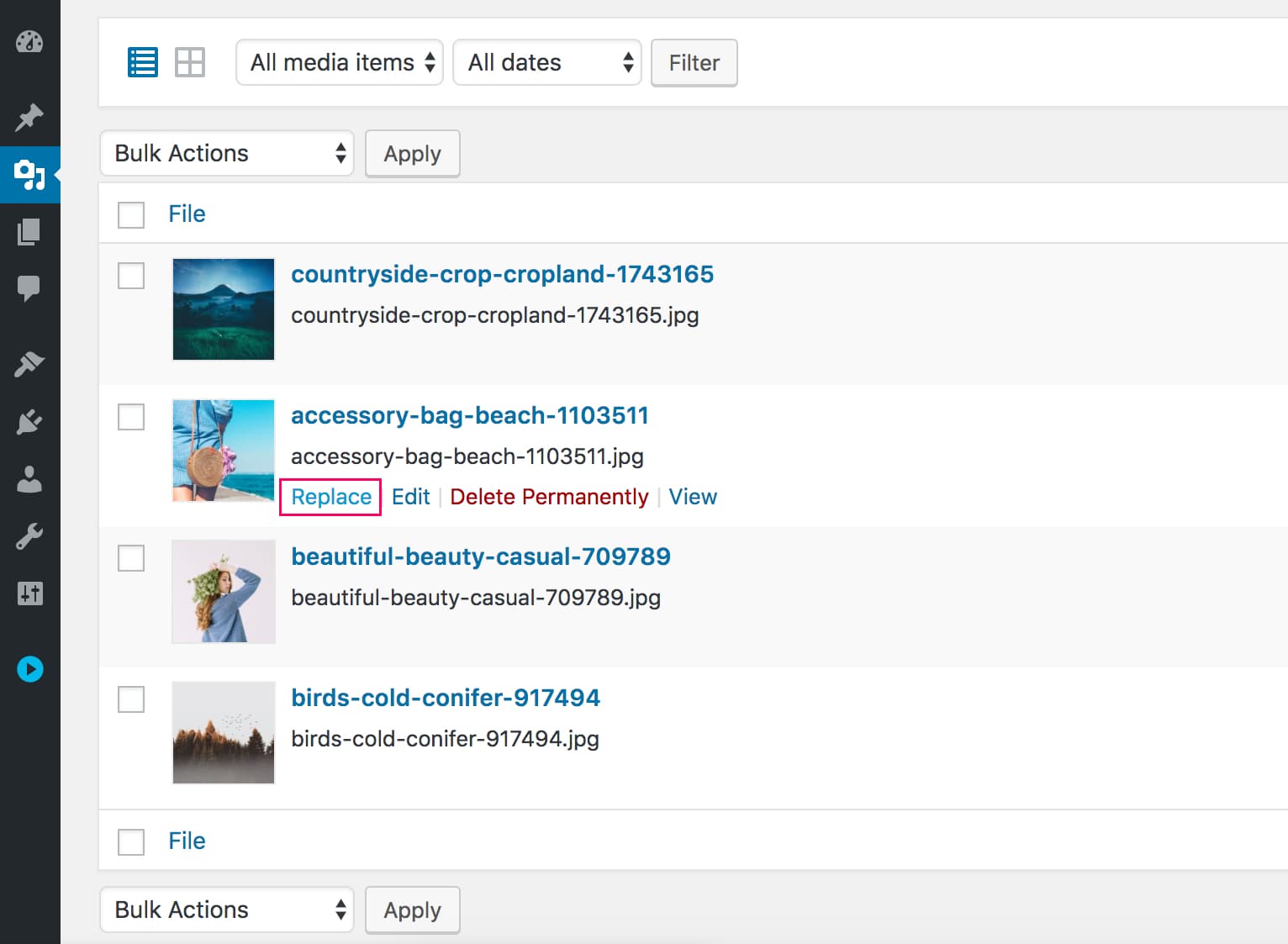
Once you activated the plugin, you will see a “Replace” button/link in Media Library page and dialog (see screenshots below).
ພາບໜ້າຈໍ

ການຕິດຕັ້ງ
From within WordPress
- Visit ‘Plugins > Add New’.
- Search for ‘Easy Media Replace’.
- Install the plugin.
- Activate the plugin.
Manually
- Upload the easy-media-replace folder to the /wp-content/plugins/ directory.
- Activate the Easy Media Replace plugin through the ‘Plugins’ menu in WordPress.
ຄຳຖາມທີ່ພົບເລື້ອຍ
-
Can I replace images with different extensions
-
Currently, the plugin only replaces images with same extension.
ການຣີວິວ

19 ເມສາ 2022
Hi,
I love your plugin. Thank you.
We have about 2,000 images that we would like to replace with higher resolution ones. Your plugin is replacing the image nicely with the new High-Resolution one for the product but it is not replacing the enlarged one. When clicked on the product image, it looks all pixelated. It is still using the old, low-resolution one and when it enlarges the low resolution bigger image looks pixelated.
How can I fix this?
It will also be great if it deletes the old, replaced ones.
Thanks,
Tony

21 ມິຖຸນາ 2021
1 ການຕອບກັບ
Not working when deleting old image

28 ສິງຫາ 2020
1 ການຕອບກັບ
Simple and straightforward. Although I wish there was a bulk replace option.

24 ກຸມພາ 2020
Thank you very much for nice plugin.
Yours is much better than other famous one 🙂

19 ກໍລະກົດ 2023
2 ການຕອບກັບ
<!– wp:paragraph –>
<p class=””>Previous review was “Doesn’t always replace other sizes.”</p>
<!– /wp:paragraph –>
<!– wp:paragraph –>
<p class=””>Tried this plugin again. This time it just didn’t work at all. Drag and drop to replace did not work, and then when I had the image selected, clicking the button to continue did nothing.</p>
<!– /wp:paragraph –>

2 ມິຖຸນາ 2019
Very good plugin easy to use and I like the generation of thumbnails.
ຜູ້ຮ່ວມພັດທະນາ ແລະ ຜູ້ພັດທະນາ
“Easy Media Replace” ແມ່ນຊອຟແວໂອເພັນຊອດ (Open Source). ບຸກຄົນຕໍ່ໄປນີ້ໄດ້ມີສ່ວນຮ່ວມໃນການພັດທະນາປລັກອິນນີ້.
ຜູ້ຮ່ວມພັດທະນາ
“Easy Media Replace” ໄດ້ຖືກແປເປັນ 1 ພາສາທ້ອງຖິ່ນ. ຂໍຂອບໃຈ ທີມງານຜູ້ແປ ສຳລັບການປະກອບສ່ວນຂອງເຂົາເຈົ້າ.
ແປ “Easy Media Replace” ເປັນພາສາຂອງເຈົ້າ.
ສົນໃຈຮ່ວມພັດທະນາບໍ່?
ເບິ່ງລະຫັດ, ກວດເບິ່ງ ຄັງເກັບ SVN, ຫຼື ຕິດຕາມ ບັນທຶກການພັດທະນາ ຜ່ານ RSS.
ບັນທຶກການປ່ຽນແປງ
0.1.3
- Staibility improvement
- WordPress 5.3 compatibility
0.1.2
- Fixed replace dialog not showing in Media Library grid view.
- Increased upload timeout for large files and slow internet connexion.
0.1.1
- Fixed a minor bug.
0.1.0
- Public Release.