
ຄຳອະທິບາຍ
Build faster in Elementor with 90+ Elementor widgets and addons, 600+ ready-made Elementor templates, without writing code. Premium Addons powers 600,000+ websites with the Elementor carousel, mega menu, blog posts list and slider, WooCommerce widgets, display conditions, AJAX search, testimonials, pricing tables and much more.
It is also the only Elementor addon built for AI agents. Connect Claude, ChatGPT, Cursor, Elementor’s Angie or any MCP (Model Context Protocol) client and let it build pages on your real site, insert and customize every Premium Addons widget and addon, and pull sections from the templates library. You connect it with one click over OAuth and never touch an API key.
Check Elementor Widgets & Addons Demo Pages | Watch AI Agents Build Elementor Pages
ລິ້ງທີ່ມີປະໂຫຍດ
ຄູ່ມື | ວິດີໂອສອນ | ກຸ່ມ Facebook | ອັບເກຣດເປັນ Pro
Why Premium Addons for Elementor?
Elementor MCP & AI Abilities: Build Elementor Pages with Claude, ChatGPT, Cursor or Angie
Premium Addons MCP server registers WordPress Abilities and exposes them as MCP tools, so any AI agent can work on your live Elementor site: create pages and templates, add containers, insert any Premium Addons widget or addon and set any of its options, read your global colors, fonts and theme styles for consistent designs, browse and insert the 600+ pre-made templates, duplicate pages, copy sections between sites, upload media, and manage plugin settings. New abilities ship with almost every release.
Connecting takes one click from the Premium Addons dashboard, over OAuth or with an application password, and there is no API key to manage. The dashboard walks you through the setup for Claude Desktop, Claude Code, Claude.ai, ChatGPT, Codex, Cursor, VS Code, GitHub Copilot, Windsurf, Cline, Gemini CLI, Antigravity, Kilo Code and OpenCode. Elementor’s Angie needs no connection at all: it finds Premium Addons widgets and templates on its own.
Setup guides: Connect ChatGPT to Your WordPress/Elementor Website | Connect Claude to Build WordPress/Elementor Pages | Use Premium Addons with Angie
Watch the video tutorial: connect Claude, ChatGPT or Cursor and build Elementor pages with Premium Addons MCP and AI Abilities.
Elementor Mega Menu & Mobile Menu Builder
Build responsive navigation menus and mega menus with four layouts, Elementor templates inside dropdowns, badges, icons and dozens of style options. Pair it with the Mobile Menu widget for an off-canvas mobile navigation in a few clicks. Mega Menu Demo | Mobile Menu Demo
Elementor WooCommerce Widgets
Products Listing with grid, masonry and carousel layouts, Categories Listing, a live Mini Cart with free-shipping progress bar, Woo CTA buttons anywhere on the page, and WooCommerce Display Conditions to show or hide content based on cart and product data. WooCommerce Widgets Demo
ເງື່ອນໄຂການສະແດງຜົນ Elementor
Show or hide any Elementor container or widget based on location, browser, operating system, device, user role, date and time, URL parameters, ACF fields, WooCommerce cart and product data, and more. Display Conditions Demo
Elementor Carousel & Advanced Media Carousel
Turn any Elementor template into a carousel or slider, or build an advanced media carousel from images, videos and templates with four animation styles and dozens of navigation, pagination and responsive options. Carousel Demo | Advanced Media Carousel Demo
600+ Elementor Templates
Browse, preview and insert container blocks and full landing page templates from inside the Elementor editor with one click, without exporting or importing JSON files. The library is available in the free and Pro versions, and to your AI agents. Templates Library
Pro Highlights: Elementor Table, Tabs, Scroll Effects and Reviews
Premium Addons PRO adds the widgets our users ask for most: an Elementor table widget with sorting, search and pagination, an Elementor tabs widget in vertical and horizontal layouts, Horizontal Scroll and Multi-Scroll widgets for one-page storytelling, the Magic Scroll addon for scroll-driven animations on any element, and Google, Facebook and Yelp reviews widgets. Table Demo | Tabs Demo | Horizontal Scroll Demo | Magic Scroll Demo
Key Features
- 90+ Free and Pro Elementor Widgets and Addons
- 600+ Ready-made Elementor Container and Full Page Templates
- 37+ AI Abilities (MCP Tools) to build and customize Elementor pages
- OAuth or Application Password connection for 15 AI clients, plus Angie
- Modular and lightweight, loads only the elements you use
- Carousel and Advanced Media Carousel Widgets
- Mega Menu and Mobile Menu Builder
- WooCommerce Widgets Bundle (Products, Categories, Mini Cart, Woo CTA, Woo Display Conditions)
- Magazine Widgets Bundle (Smart Post Listing, Elementor Blog Widget, News Ticker, Weather, World Clock, Tags Cloud, Recent Posts Notification)
- ສ່ວນເສີມເງື່ອນໄຂການສະແດງຜົນຂັ້ນສູງ
- Apple-style Liquid Glass and Glassmorphism Addon
- Equal Height Containers Addon
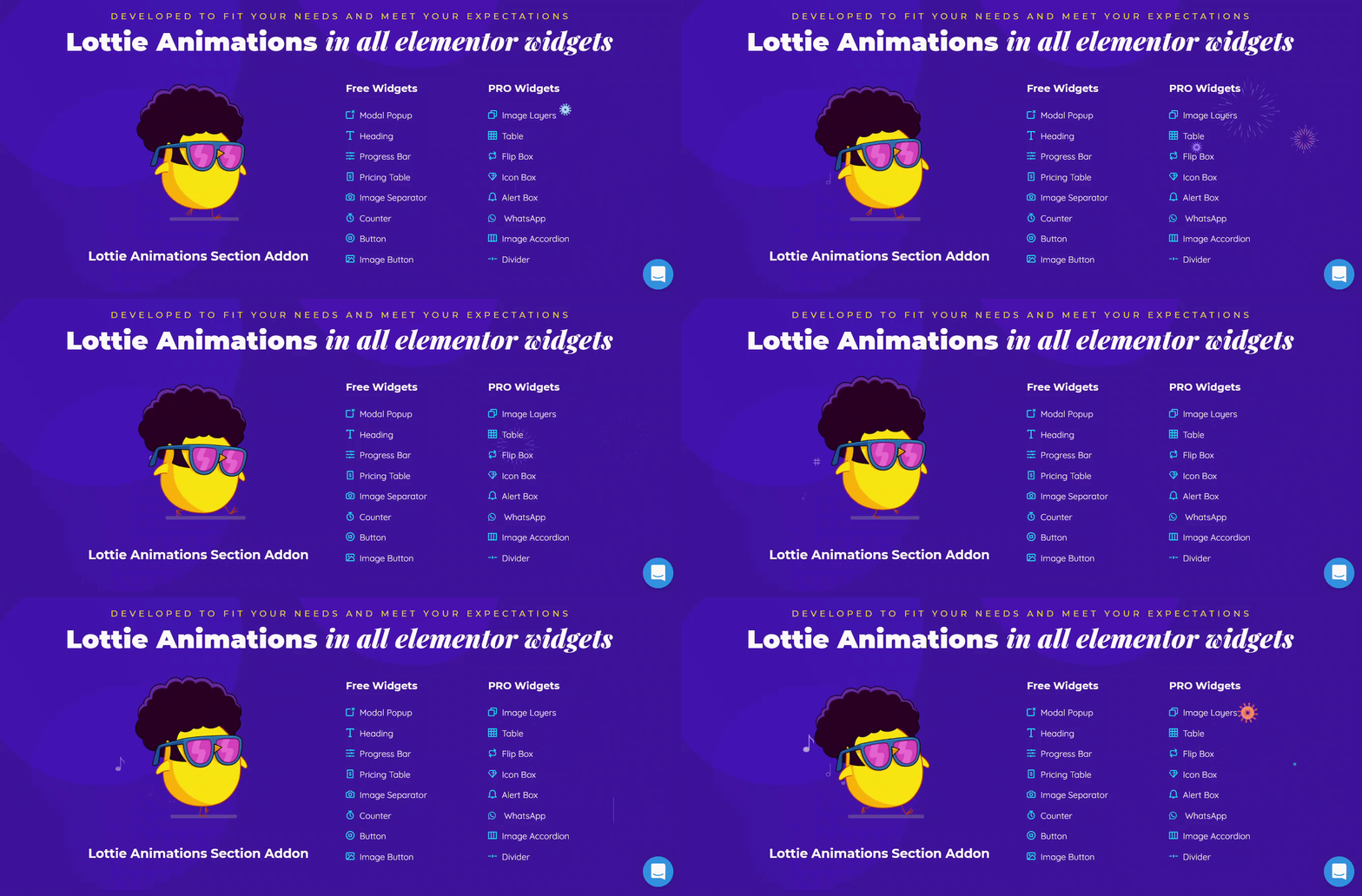
- Lottie Animations in every widget with an image or icon
- Cross-Domain Copy and Paste of Elementor elements
- ຕົວຄັດລອກໜ້າເວັບ ແລະ ໂພສ Elementor
- ຮອງຮັບ WPML 100%
- Fully Responsive and Cross-Browser Ready
Trusted by Teams at Orange, Deloitte, Leica Geosystems, NASA and Hilton
Premium Addons is rated 4.9/5 by 1,600+ users on WordPress.org.
“The support attitude was beyond my imagination. I had a lot of questions, it can be annoying sometimes, but they were correct in every question and they tried to solve it as fast as they can. I recommend everyone to feel free to use this extension and experience it for themselves.”
“I use these widgets on all my Elementor projects and they are endlessly helpful. Rarely do I experience a widget not working, and the whole suite of widgets is very good considering the many Elementor updates they have to keep up with.”
“I’m really happy with this plugin and the features it provides. I had some issues on my website, but the support team helped me very well. They responded to my support ticket instantly, and the problems were resolved very quickly. Great service and a great plugin.”
From 5-star reviews on WordPress.org.
ລວມວິດເຈັດ ແລະ ສ່ວນເສີມ Elementor
How the labels work: (FREE) widgets and addons are fully usable in the free plugin; some of them unlock extra skins, sources or options with Pro. (PRO) widgets and addons are available only in Premium Addons PRO. The templates library and AI Abilities work in both.
ວິດເຈັດເນື້ອຫາ
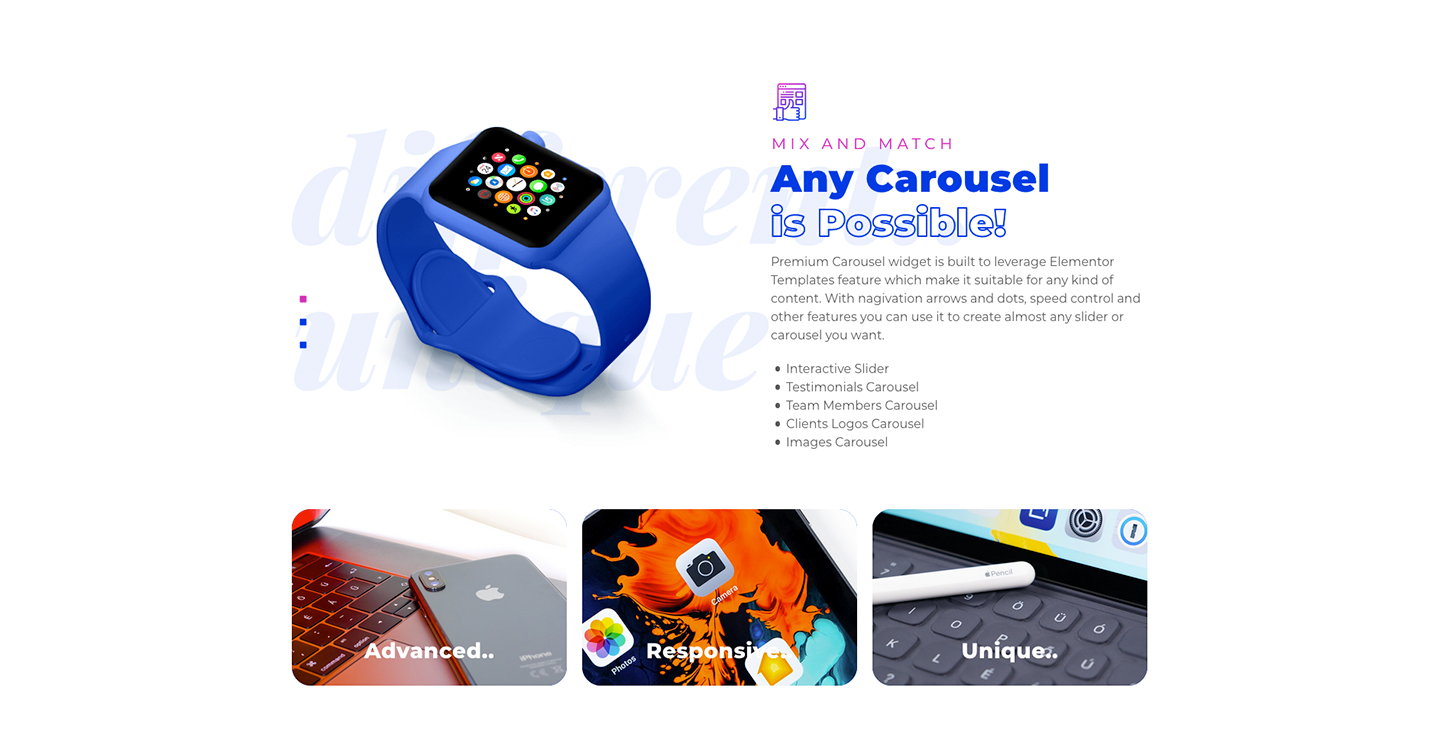
- ວິດເຈັດ Carousel (FREE): ສ້າງສະໄລເດີສຳລັບເນື້ອຫາ Elementor ໃດໜຶ່ງ.
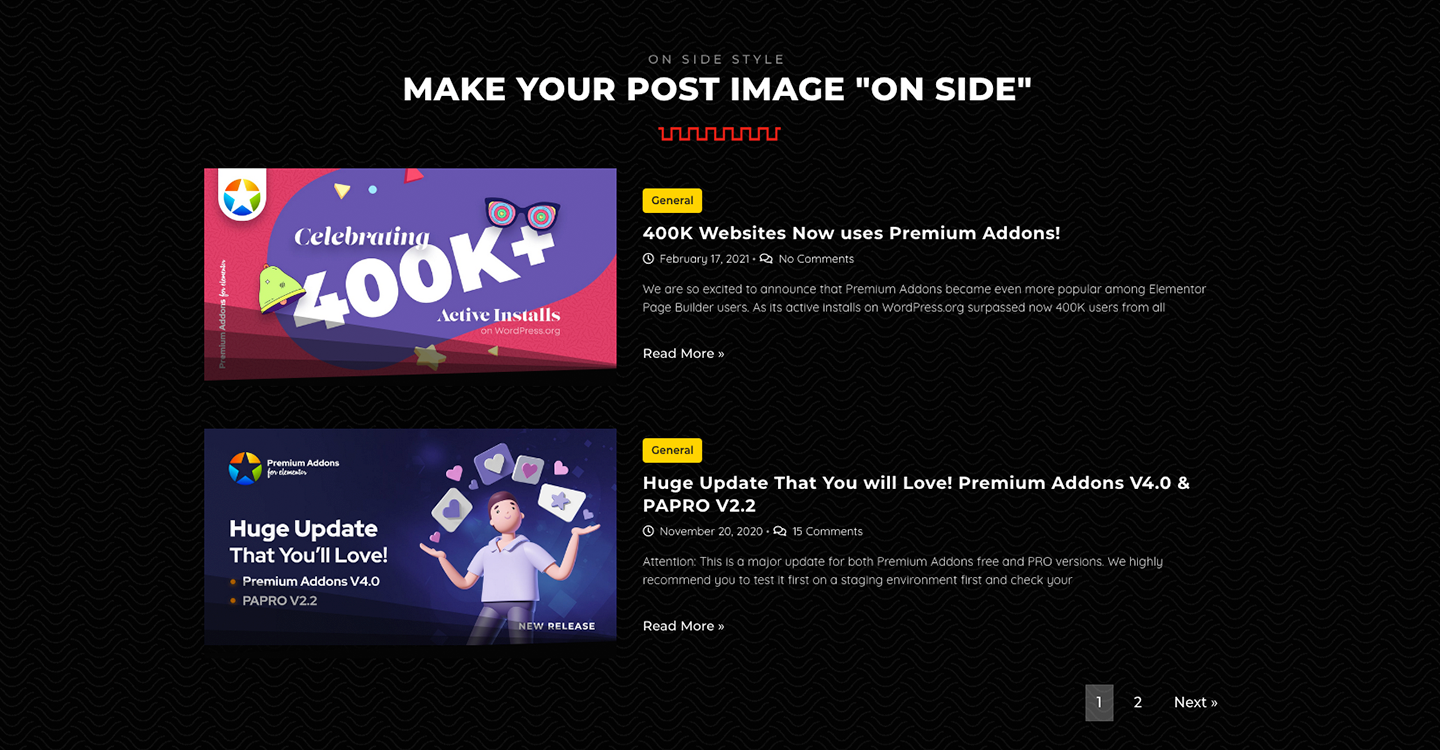
- Blog Widget (FREE): Elementor blog widget for posts or any custom post type in 5 skins.
- Mega Menu Widget (FREE): Responsive navigation and mega menus in four layouts.
- Mobile Menu Widget (FREE): Create an off-canvas mobile menu in a few clicks.
- ວິດເຈັດຄົ້ນຫາແບບ AJAX (FREE): ເພີ່ມແບບຟອມຄົ້ນຫາໃຫ້ກັບເວັບໄຊຂອງທ່ານ ພ້ອມການປັບແຕ່ງການດຶງຂໍ້ມູນການຄົ້ນຫາ.
- Smart Post Listing Widget (PRO): Build any grid layout for posts or custom post types.
- World Clock Widget (FREE): Show analog or digital clocks for any time zone.
- Weather Widget (FREE): Show a weather forecast by city or coordinates in three layouts.
- News Ticker Widget (FREE): Scroll posts, gold, stock or currency prices in four layouts.
- Textual Showcase Widget (FREE): Animate text with images, icons, SVG draw and Lottie for eye-catching headings.
- ວິດເຈັດກຸ່ມແທັກ (Tags Cloud) (FREE): ສະແດງແທັກ ແລະ ໝວດໝູ່ໃນຮູບແບບກຸ່ມເມກ, ຊົງກົມ ຫຼື ແບບມີປ້າຍກຳກັບ.
- Recent Posts Notification Widget (FREE): Show a notification icon with posts your visitors have not seen yet.
- Google Maps Widget (FREE): Google Maps with multiple markers, custom skins and more.
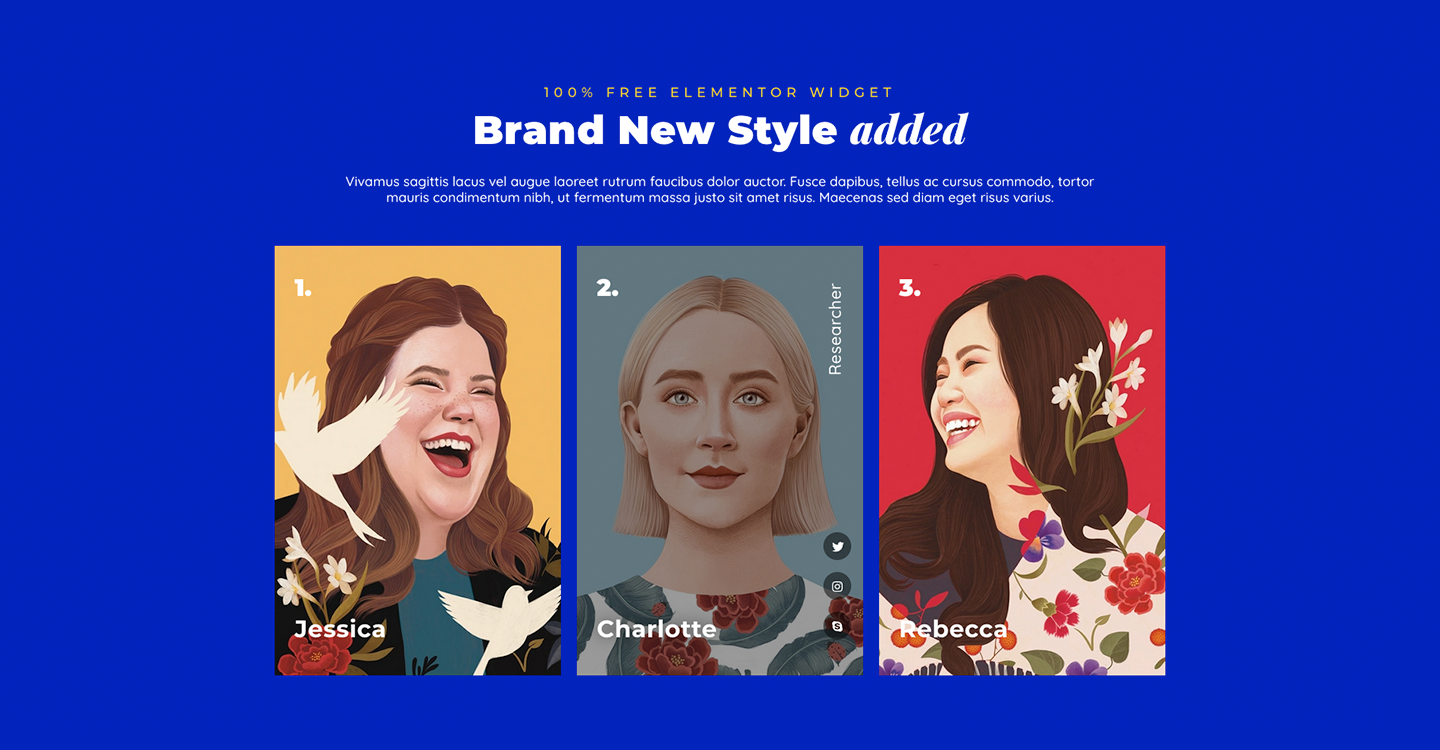
- Team Members Widget (FREE): List team members with many customization options.
- ວິດເຈັດແທັບ (Tabs) (PRO): ສ້າງແທັບທັງແນວຕັ້ງ ແລະ ແນວນອນ ພ້ອມຄຸນສົມບັດການອອກແບບຫຼາກຫຼາຍ.
- Content Toggle (PRO): Present multiple content in a smart way.
- Animated Text Widget (FREE): Animated fancy text for attractive marketing messages.
- Heading Widget (FREE): Heading with ready-made styles and many customization options.
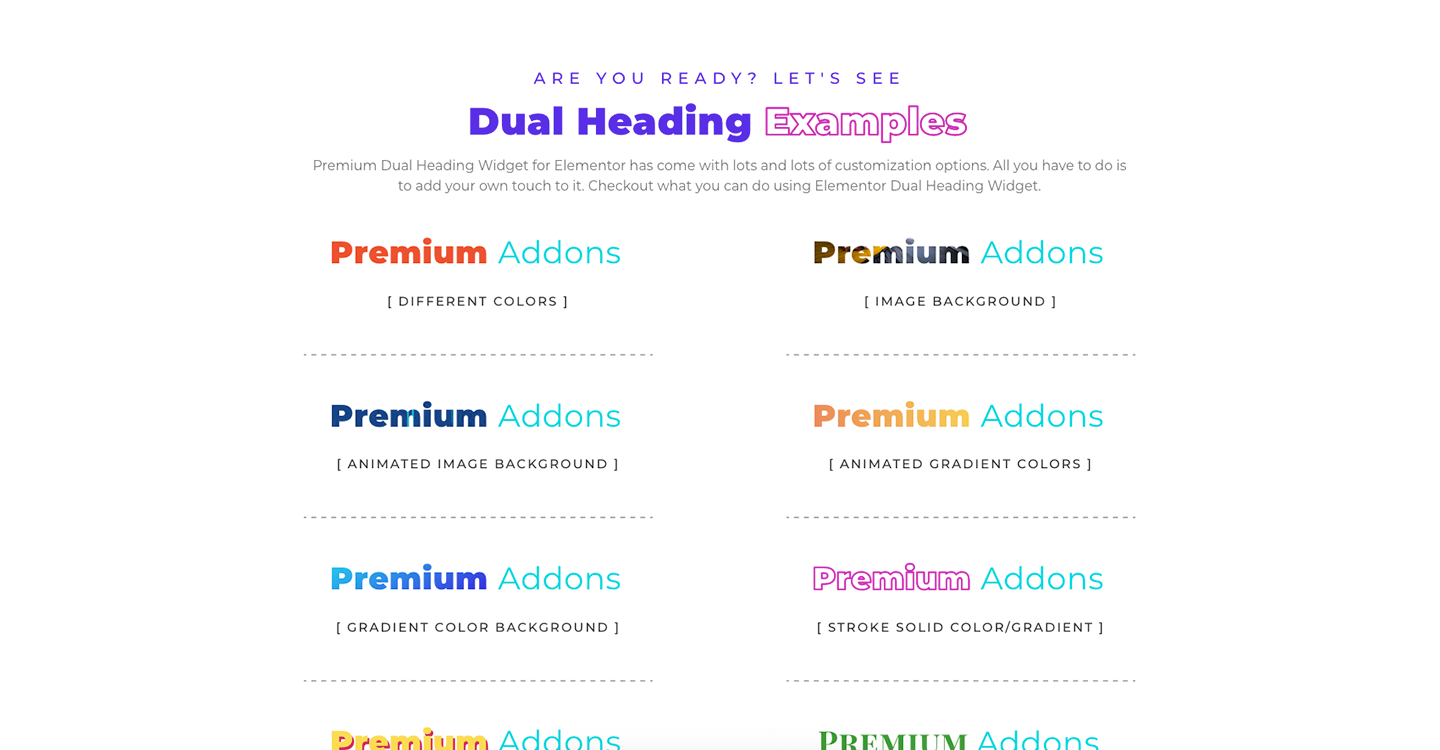
- Dual Heading Widget (FREE): Create a headline with 2 different unique styles.
ວິດເຈັດຮູບພາບ ແລະ ວິດີໂອ
- Site Logo Widget (PRO): Logo from an image, SVG or Lottie animation with many options.
- Media Gallery Widget (FREE): Customizable image galleries and portfolios.
- Advanced Media Carousel Widget (FREE): Carousel of images, videos or Elementor templates.
- ວິດເຈັດຮູບພາບແບບເລື່ອນ (FREE): ຊ່ອຍໃຫ້ທ່ານນຳສະເໜີຮູບພາບໃນຮູບແບບໃໝ່ທີ່ໜ້າສົນໃຈ.
- Image Comparison Widget (PRO): Vertical or horizontal before/after image comparison.
- Image Hotspots Widget (PRO): Freehand image hotspots placed with drag and drop.
- ວິດເຈັດຊັ້ນຮູບພາບ (Image Layers) (PRO): ປະສົມປະສານຮູບພາບ, Lottie animations ແລະ ຂໍ້ຄວາມເຂົ້າກັນ.
- Image Accordion Widget (PRO): Vertical or horizontal image accordions.
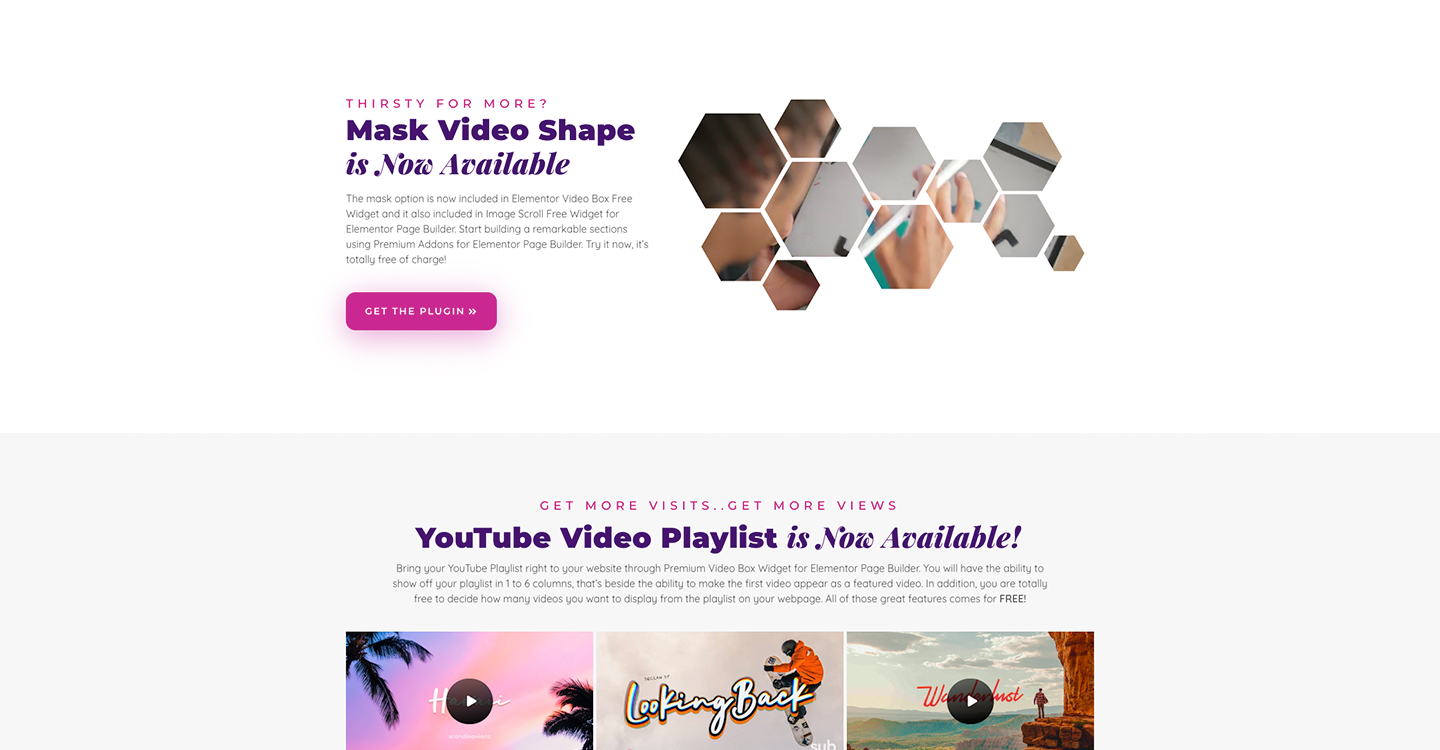
- Video Box Widget (FREE): YouTube, Vimeo, Dailymotion or self-hosted videos with many options.
ສ່ວນເສີມ ແລະ ວິດເຈັດ Container
- ວິດເຈັດເລື່ອນຕາມແນວນອນ (PRO): ສ້າງເວັບໄຊທີ່ມີການເລື່ອນຕາມແນວນອນດ້ວຍການຄລິກພຽງບໍ່ເທື່ອ.
- Vertical Scroll Widget (FREE): Vertical scroll pages with advanced responsive controls.
- Background Transition Widget (PRO): Create fancy, colorful, and eye-catching webpages.
- ວິດເຈັດ Multi-Scroll (PRO): ສ້າງເອັບເຟັກການເລື່ອນທີ່ໜ້າສົນໃຈ.
- Display Conditions Addon (FREE): Show or hide any container or widget based on location, browser, device, user role, date, URL parameters and more.
- Liquid Glass Addon (FREE): Apply six liquid glass and glassmorphism effects to any widget or container.
- Equal Height Addon (FREE): Make containers, widgets or any selector the same height with one click.
- Wrapper Link Addon (FREE): Make any container or widget clickable with a link.
- Floating Effects Addon (FREE): Add floating translate, rotate and scale animations to any element.
- ສ່ວນເສີມປັບແຕ່ງເຄີເຊີເມົາສ໌ (PRO): ເພີ່ມເຄີເຊີເມົາສ໌ທີ່ປັບແຕ່ງເອງໃຫ້ກັບ Container ຫຼື ວິດເຈັດໃດໜຶ່ງ.
- Magic Scroll Global Addon (PRO): Scroll animations for any widget with full control over the scene.
- Animated Shape Divider Addon (FREE): Animated container dividers from a library or your own SVG.
- ສ່ວນເສີມ Tooltips Global (FREE): ເພີ່ມໄອຄອນ, ຮູບພາບ, Lottie animation ຫຼື ເທັມເພລດ Elementor ເປັນ Tooltip ສຳລັບອົງປະກອບ container ໃດໜຶ່ງຂອງ Elementor.
- ສ່ວນເສີມ Badge Global (PRO): ເພີ່ມປ້າຍ (Badge) ທີ່ເປັນໄອຄອນ, ຮູບພາບ, Lottie animation ຫຼື ຮູບຊົງ SVG blob ໃຫ້ກັບ container ໃດໜຶ່ງ.
- ຕົວສ້າງຮູບຊົງ Blob ເຄື່ອນໄຫວ (PRO): ເພີ່ມຊັ້ນຮູບຊົງ blob ເຄື່ອນໄຫວຫຼາຍຊັ້ນໃຫ້ກັບ containers ຂອງທ່ານ ພ້ອມຕົວເລືອກການປັບແຕ່ງທີ່ອັດສະລິຍະ.
- Lottie Animations Container Addon (PRO): Multiple Lottie animations on any container with interactivity options.
- Parallax Container Addon (PRO): Parallax container backgrounds with freehand design and many styles.
- Particles Container Addon (PRO): Create eye-catching particles background with many customization options.
- Animated Gradient Container Addon (PRO): Subtle animated gradients effect that makes your backgrounds attractive.
- ສ່ວນເສີມ Ken Burns Container (PRO): ເພີ່ມຮູບພາບຫຼາຍອັນໃຫ້ກັບພື້ນຫຼັງ container ຂອງທ່ານ ແລະ ເຮັດໃຫ້ພວກມັນເຄື່ອນໄຫວດ້ວຍເອັບເຟັກ Ken Burns ຍອດນິຍົມ.
ວິດເຈັດນອກຕາຕະລາງ (Off-Grid)
- ວິດເຈັດກ່ອງໂມດໍ (Modal Box) (FREE): ວິດເຈັດກ່ອງໂມດໍອະເນກປະສົງ ພ້ອມຄວາມສາມາດໃນການໃຊ້ Elementor Templates ແລະ ຕົວເລືອກອື່ນໆອີກຫຼາຍຢ່າງ.
- Alert Box Widget (PRO): Popups, GDPR alerts and notices.
- Off-canvas Widget (PRO): Slide in a container from any direction with a trigger.
- ວິດເຈັດໜ້າຕ່າງສະແດງຕົວຢ່າງ (PRO): ວິທີທີ່ສະຫຼາດໃນການສະແດງຂໍ້ມູນເພີ່ມເຕີມໃນພື້ນທີ່ເນື້ອຫາທີ່ຈຳກັດ.
ວິດເຈັດ ແລະ ສ່ວນເສີມ WooCommerce ສຳລັບ Elementor
- Woo Products Listing (FREE): WooCommerce products in grid, masonry or carousel layouts with query controls and skins.
- Woo Categories Listing (FREE): WooCommerce categories in grid or carousel layouts with filtering and design controls.
- Woo CTA (FREE): Add to cart, wishlist or compare buttons anywhere on product pages.
- Woo Mini Cart (FREE): Live mini cart with styling options and a free shipping progress bar.
- ເງື່ອນໄຂການສະແດງຜົນ Woo (PRO): ສະແດງ ຫຼື ເຊື່ອງເນື້ອຫາ Elementor ໃດໜຶ່ງໂດຍອີງຕາມເງື່ອນໄຂຂອງ WooCommerce ເຊັ່ນ ສິນຄ້າໃນກະຕ່າ, ໝວດໝູ່ສິນຄ້າ, ສະຕັອກ, ບົດບາດຜູ້ໃຊ້ ແລະ ອື່ນໆ.
ວິດເຈັດການວິຈານໂຊຊຽວ ແລະ ຄຳນິຍົມ
- Testimonials Widget (FREE): Modern testimonials; pair with the Carousel widget for a testimonials slider.
- ວິດເຈັດການວິຈານ Facebook (PRO): ວິດເຈັດນີ້ຊ່ອຍໃຫ້ທ່ານສະແດງການວິຈານ Facebook ຂອງທ່ານໃນເວັບໄຊ.
- ວິດເຈັດການວິຈານ Google (PRO): ສະແດງການວິຈານ Google ຫຼ້າສຸດຂອງທຸລະກິດຂອງທ່ານໃນໜ້າເວັບໂດຍກົງ.
- Yelp Reviews Widget (PRO): Show your business’s Yelp Reviews in your website pages with this useful widget.
ວິດເຈັດ Blurbs ແລະ CTA
- ວິດເຈັດລາຍການຫົວຂໍ້ (Bullet List) (FREE): ສ້າງລາຍການຫົວຂໍ້ດ້ວຍໄອຄອນ, ຮູບພາບ ແລະ ແທັກຂໍ້ຄວາມ ພ້ອມກັບ Lottie animations.
- Countdown Widget (FREE): Create urgency for events, sales and coming-soon pages.
- ວິດເຈັດແບນເນີ (FREE): ວິດເຈັດແບນເນີແບບເຄື່ອນໄຫວ ແລະ ໂຕ້ຕອບໄດ້ ມາພ້ອມກັບຫຼາຍຮູບແບບ ແລະ ຄຸນສົມບັດການປັບແຕ່ງ.
- Button Widget (FREE): Advanced button with interactive animations, styles and onClick events.
- Image Button Widget (FREE): A creative image-based call to action.
- ວິດເຈັດກ່ອງ 3D Hover (PRO): ມາພ້ອມກັບເອັບເຟັກໂຕ້ຕອບແບບ 3D ສຸດເທ່ 8 ແບບ.
- Icon Box Widget (PRO): An advanced Icon Box Widget with endless customization options.
- ວິດເຈັດ iHover (PRO): ວິດເຈັດ iHover ຍອດນິຍົມທີ່ມາພ້ອມກັບແອນິເມຊັນໂຕ້ຕອບ ແລະ ຕົວເລືອກຮູບແບບຕ່າງໆ.
- Unfold Widget (PRO): Fit long text in a small area with an unfold effect.
ວິດເຈັດໂຊຊຽວຟີດ
- Pinterest Feed Widget (FREE): Pins and boards from your Pinterest account in three layouts and four skins.
- TikTok Feed Widget (FREE): TikTok feed with filtering, three layouts and three skins.
- ວິດເຈັດ Facebook Feed (PRO): ສະແດງຟີດ Facebook ຂອງທ່ານພາຍໃນເວັບໄຊໂດຍກົງ.
- X (Twitter) Feed Widget (PRO): Display your X (Twitter) feed on your website pages.
- ວິດເຈັດ Instagram Feed (PRO): ສະແດງຮູບພາບ Instagram ຂອງທ່ານໃນໜ້າເວັບໂດຍກົງ.
- ວິດເຈັດ Behance Feed (PRO): ສະແດງຜົນງານ Portfolio ທີ່ໜ້າຕື່ນຕາຕື່ນໃຈຂອງທ່ານໂດຍໃຊ້ວິດເຈັດ Behance Feed.
ວິດເຈັດຕາຕະລາງ, ແຜນພູມ ແລະ ຂໍ້ມູນຕ່າງໆ
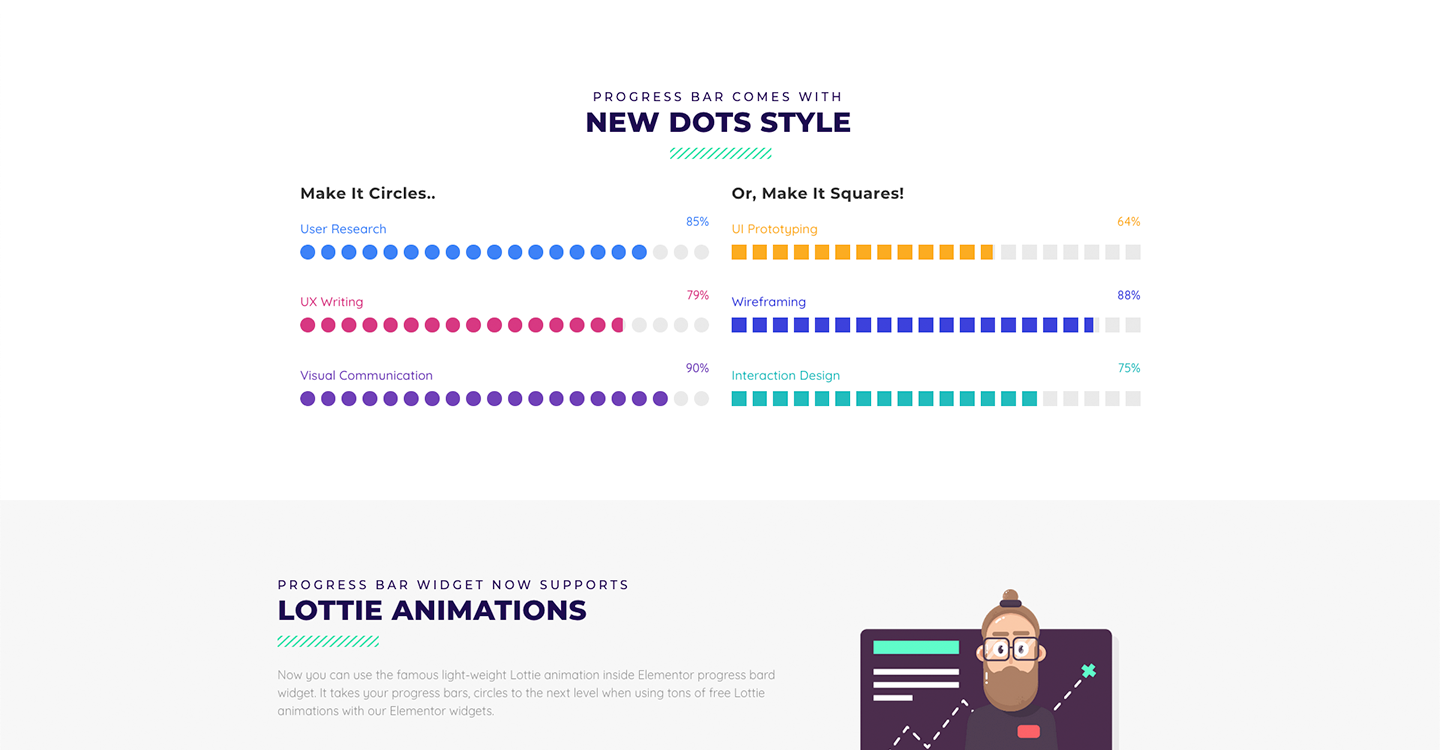
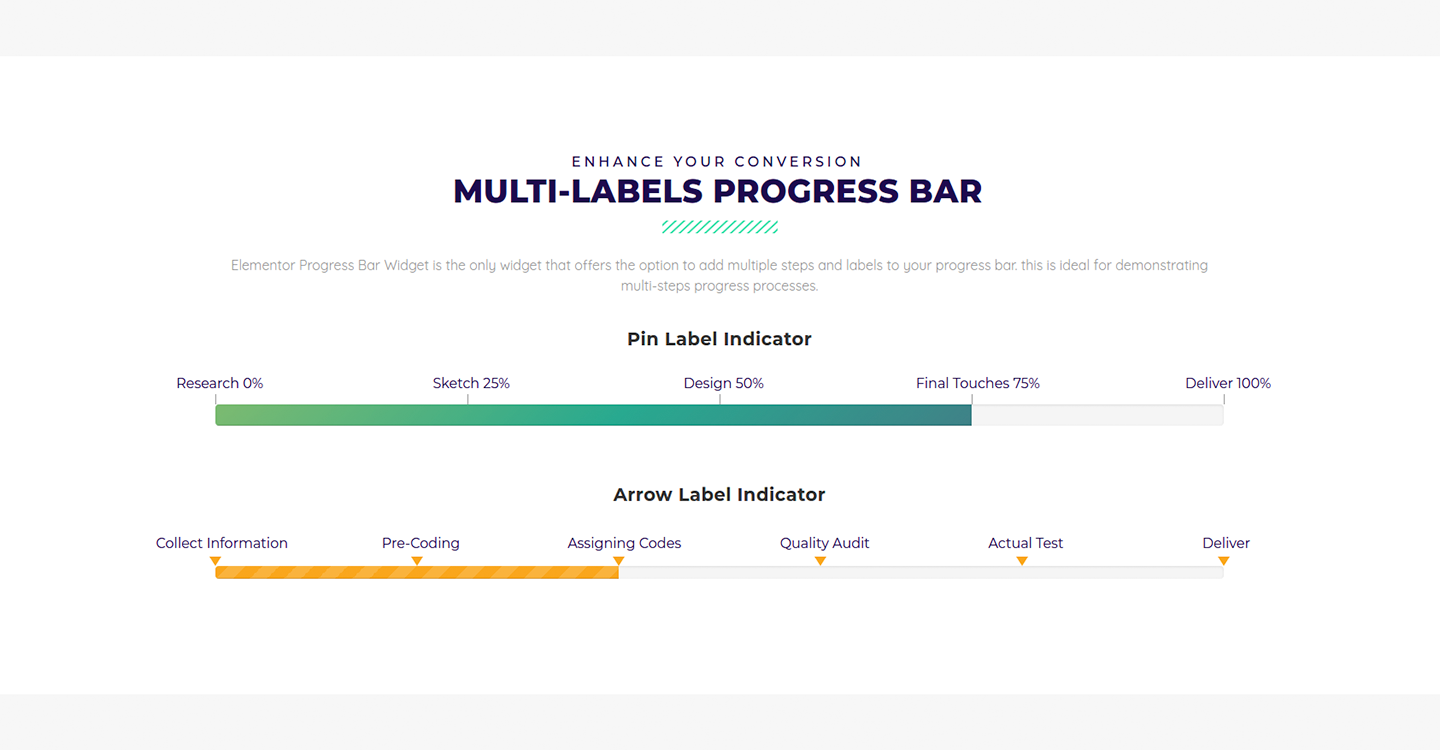
- Progress Bar Widget (FREE): Progress bars with multiple labels.
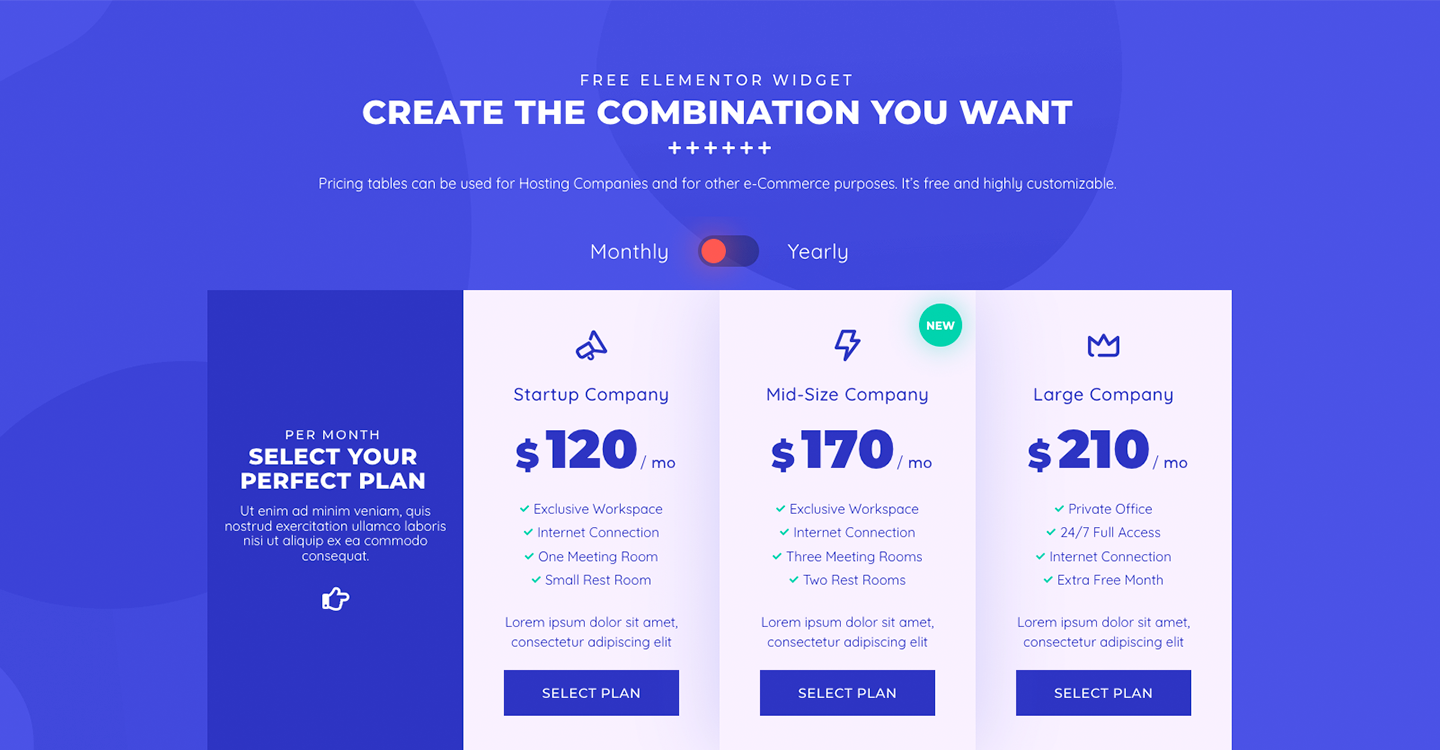
- ວິດເຈັດຕາຕະລາງລາຄາ (FREE): ວິດເຈັດຕາຕະລາງລາຄາທີ່ປັບແຕ່ງໄດ້ສູງ ພ້ອມຕົວເລືອກຮູບແບບຫຼາກຫຼາຍ.
- Charts Widget (PRO): Line, bar, doughnut, radar and more chart types.
- Tables Widget (PRO): Sophisticated tables with styling and interactivity options.
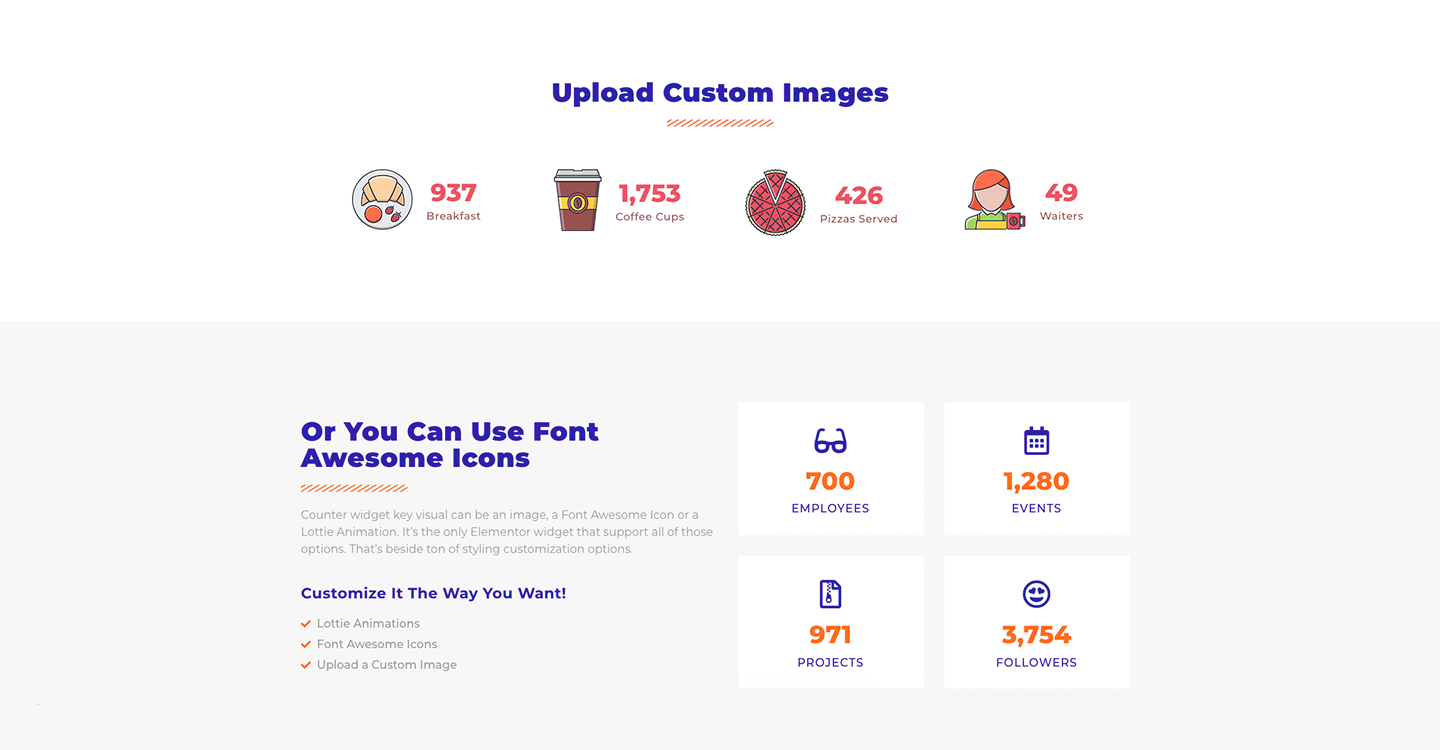
- ວິດເຈັດຕົວເລກນັບ (FREE): ສະແດງຂໍ້ເທັດຈິງ ແລະ ຕົວເລກສະຖິຕິຂອງທ່ານດ້ວຍວິດເຈັດຕົວເລກນັບ.
ວິດເຈັດການຕິດຕໍ່
- ວິດເຈັດ Contact Form 7 (FREE): ແຊກແບບຟອມຕິດຕໍ່ລົງໃນໜ້າຕິດຕໍ່ພວກເຮົາຂອງທ່ານໂດຍໃຊ້ວິດເຈັດ Contact Form 7.
- ວິດເຈັດແຊັດ WhatsApp (PRO): ຮັບຂໍ້ຄວາມ WhatsApp ທັນທີຈາກຜູ້ເຂົ້າຊົມເວັບໄຊຂອງທ່ານ.
ວິດເຈັດການອອກແບບ
- ວິດເຈັດຕົວຂັ້ນ (Divider) (PRO): ອອກແບບຕົວຂັ້ນທີ່ສວຍງາມດ້ວຍວິດເຈັດທີ່ເປັນເອກະລັກນີ້.
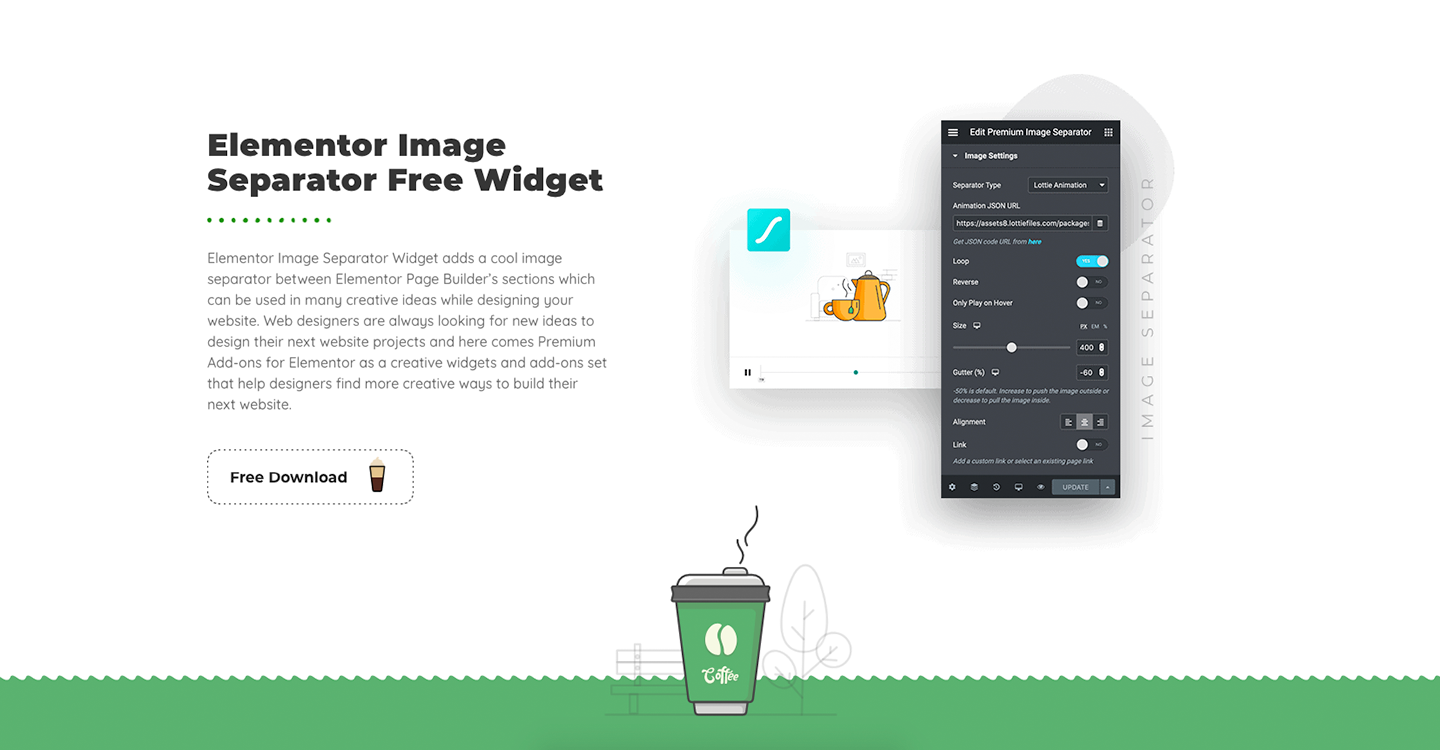
- ວິດເຈັດຕົວຂັ້ນຮູບພາບ (FREE): ເພີ່ມຕົວຂັ້ນຮູບພາບລະຫວ່າງ containers ດ້ວຍວິດເຈັດທີ່ສະດວກ ແລະ ຮອງຮັບທຸກອຸປະກອນ.
ການສະໜັບສະໜູນ ແລະ ຄູ່ມື
- Documentation: search here first to learn how a widget works or to troubleshoot.
Need more? Check Premium Addons PRO.
Love Premium Addons? Rate us on WordPress.org 🙂
ພາບໜ້າຈໍ
ການຕິດຕັ້ງ
- Install and activate the free Elementor plugin. Premium Addons works only with Elementor.
- Upload the plugin to
/wp-content/plugins/or install it from the WordPress Plugins screen, then activate it. - Find the widgets under the “Premium Addons” category in the Elementor editor panel, and the templates library button on any container.
- To connect an AI agent, open Premium Addons > MCP Config & AI Abilities, enable AI Abilities and follow the setup steps for your client (requires WordPress 6.9 or higher).
ຄຳຖາມທີ່ພົບເລື້ອຍ
-
No. Premium Addons for Elementor extends the Elementor page builder and cannot be used without Elementor installed.
-
The free Elementor plugin is enough. All Premium Addons widgets, addons, templates and AI Abilities work with Elementor Free, and everything also works with Elementor Pro.
-
ມັນເຮັດວຽກກັບທີມ WordPress ໃດກໍໄດ້ແມ່ນບໍ່?
-
Yes. It works with any WordPress theme as long as you are using Elementor as your page builder.
-
Any MCP (Model Context Protocol) client. The dashboard includes step-by-step setup for Claude Desktop, Claude Code, Claude.ai, ChatGPT, Codex, Cursor, VS Code, GitHub Copilot, Windsurf, Cline, Gemini CLI, Antigravity, Kilo Code and OpenCode. Elementor’s Angie plugin needs no connection setup: it finds Premium Addons on its own.
-
How does the MCP connection work, and is it secure?
-
Premium Addons runs an MCP server on your site, built on the WordPress Abilities API and the official WordPress MCP Adapter. You connect a client with one-click OAuth or an application password, and every action runs under your own WordPress user and its capabilities. There is no API key to store and no third-party service in between.
-
Yes. Angie discovers Premium Addons widgets, addons and the templates library through the WordPress Abilities API, so you can prompt Angie to build pages with Premium Addons elements. Read the Angie guide.
-
What WordPress version do AI Abilities need?
-
AI Abilities and the MCP server need WordPress 6.9 or higher, which ships the Abilities API. Everything else in Premium Addons works from WordPress 6.6.
-
No. Premium Addons is modular: you can enable only the widgets and addons you use, and only the assets required by the elements on a page are loaded. Premium Addons is also 100% ads free.
-
What is the difference between Free, Pro and freemium widgets?
-
Free widgets and addons are fully usable in the free plugin. Some of them are freemium: the widget itself is free, and Pro unlocks extra skins, content sources or options inside it. Pro widgets and addons exist only in Premium Addons PRO, which also includes the Pro templates and lets AI agents insert third-party Elementor widgets. The templates library and AI Abilities are available in both versions.
-
Yes. The free version includes Woo Products Listing, Woo Categories Listing, Woo Mini Cart and Woo CTA widgets, and Pro adds WooCommerce Display Conditions.
-
An Elementor editor panel that will not load is almost always a PHP memory limit or a plugin conflict. Follow this guide to resolve it in a few minutes.
-
ຂ້ອຍຈະລາຍງານຂໍ້ຜິດພາດດ້ານຄວາມປອດໄພໄດ້ແນວໃດ?
-
Through the Patchstack Vulnerability Disclosure Program. The Patchstack team validates, triages and handles any reported vulnerability. Report a security vulnerability.
ການຣີວິວ


ຜູ້ຮ່ວມພັດທະນາ ແລະ ຜູ້ພັດທະນາ
“Premium Addons for Elementor – AI-Ready Elementor Addons, Widgets & Templates” ແມ່ນຊອຟແວໂອເພັນຊອດ (Open Source). ບຸກຄົນຕໍ່ໄປນີ້ໄດ້ມີສ່ວນຮ່ວມໃນການພັດທະນາປລັກອິນນີ້.
ຜູ້ຮ່ວມພັດທະນາ

“Premium Addons for Elementor – AI-Ready Elementor Addons, Widgets & Templates” ໄດ້ຖືກແປເປັນ 21 ພາສາທ້ອງຖິ່ນ. ຂໍຂອບໃຈ ທີມງານຜູ້ແປ ສຳລັບການປະກອບສ່ວນຂອງເຂົາເຈົ້າ.
ແປ “Premium Addons for Elementor – AI-Ready Elementor Addons, Widgets & Templates” ເປັນພາສາຂອງເຈົ້າ.
ສົນໃຈຮ່ວມພັດທະນາບໍ່?
ເບິ່ງລະຫັດ, ກວດເບິ່ງ ຄັງເກັບ SVN, ຫຼື ຕິດຕາມ ບັນທຶກການພັດທະນາ ຜ່ານ RSS.
ບັນທຶກການປ່ຽນແປງ
4.11.119 – 12/11/2026
- Fixed: Some texts not translatable with WPML in Heading, Dual Heading, Image Scroll, Search Form, Tags Cloud, Post Ticker, Countdown and Video Box widgets and Global Tooltip addon.
- Fixed: Page, Post and category display conditions not working on WPML translated pages.
- Fixed: “Is Not” operator not working as expected in some display conditions.
4.11.118 – 11/11/2026
- Tweak: Compatibility with Elementor v4.4.
- Fixed: Layout shift on page load in Mega Menu widget.
- Fixed: SEO issue caused by an empty link in Heading widget.
- Fixed: Author job alignment ignored when the text wraps in Testimonial widget.
- Fixed: Author job line height option not working in Testimonial widget.
- Fixed: Improved code security enforcement in Display Conditions addon and widget icons.
4.11.117 – 26/10/2026
- Tweak: Upload Media AI ability can now upload files from the AI agent’s computer, not only public URLs.
- Fixed: Mega Menu dropdown closing while moving the cursor from a menu item to its mega content.
- Fixed: “Undefined array key” warning showing above Shape Divider addon on the frontend.
- Fixed: Improved code security enforcement in Upload Media AI ability.
4.11.116 – 23/10/2026
- Tweak: Headroom and Flipster scripts now load in the footer for better page performance in Mega Menu and Media Wheel widgets.
- Fixed: “Purchased” option not working as expected in WooCommerce Category display condition.
- Fixed: Improved code security enforcement.
4.11.115 – 22/10/2026
- Tweak: Upload Media AI ability now supports videos.
- Fixed: Elementor MCP widget schema tools failing when Carousel, Media Wheel, Modal Box or Vertical Scroll widgets are enabled.
- Fixed: Icons overlapping the Load More button in Media Grid widget.
4.11.114 – 19/10/2026
- Tweak: Added Slides Direction option to Carousel widget.
- Tweak: Improved editor performance by loading Isotope and Luxon libraries only when they’re used on the page.
- Tweak: Improved editor performance for Display Conditions, Shape Divider and Wrapper Link addons.
- Fixed: Vertical navigation arrows not centered in Carousel widget.
- Fixed: Headline height jumping while typing in Animated Text widget when cursor is hidden.
- Fixed: Space between titles removed in Dual Heading widget when Minimal mask animation is enabled.
- Fixed: Equal Height addon slowing down the editor after editing the element multiple times.
- Fixed: Shape Divider not adjusting on window resize when multiple dividers are used on the same page.
4.11.113 – 15/10/2026
- Tweak: Improved Premium Templates library loading speed in the editor.
- Tweak: Improved editor performance by loading Lottie library only when it’s used on the page.
- Tweak: Improved editor performance for Global Tooltips addon.
- Fixed: Disabled widgets getting enabled again after saving settings from Premium Addons dashboard.
- Fixed: Icon color and stroke styles applied to Lottie animations in Heading, Image Separator, Counter, Progress Bar, Icon List, Pricing Table, Recent Posts Notification, Post Ticker, Modal Box and Woo CTA widgets.
- Fixed: Global Tooltips not removed in the editor after disabling it or changing the CSS selector.
4.11.112 – 13/10/2026
- Tweak: Added Floating Effects support for Containers.
- Tweak: Added Perspective option for 3D Rotate effects in Floating Effects addon.
- Tweak: Added Disable On option to turn off Floating Effects on selected devices.
- Tweak: Added Return To Start On Hover Out option in Floating Effects addon.
- Tweak: Security enhancements in Media Wheel, Media Grid, Search Form, Blog, Woo Products and Pinterest Feed widgets, Cross Domain Copy & Paste feature and AI abilities.
- Fixed: Floating Effects animation stopping in the editor after changing settings.
- Fixed: Opacity effect not applied after Floating Effects animation stops.
4.11.111 – 9/10/2026
- Tweak: Security enhancements in Google Maps widget.
- Fixed: Slides To Scroll option ignoring responsive values in TikTok Feed widget.
- Fixed: Order By option showing incorrect values in Woo Categories widget.
- Fixed: Incorrect documentation link for Woo Categories widget.
- Fixed: Special characters showing as HTML entities in product category names in WooCommerce widgets and Display Conditions.
4.11.110 – 1/10/2026
- New: Added Menus AI abilities to list, create and edit WordPress menus and set up Mega Menu items and their content templates.
- Tweak: Security enhancements for video and lightbox URLs in Video Box widget.
- Tweak: Removed unused style controls from Mini Cart and Woo Products widgets.
- Fixed: Sticky video size and aspect ratio not applied correctly in Video Box widget.
- Fixed: Sticky video not removing the mask and drop shadow in Video Box widget.
- Fixed: Privacy Mode not applied to YouTube videos opened in a lightbox in Video Box widget.
- Fixed: Advanced Border Radius option not applied in Video Box widget.
- Fixed: Layout 2 columns issue in Video Box playlist.
- Fixed: Navigation arrows height and position options not working in Weather widget.
- Fixed: Icon Stroke Color option not showing in Woo CTA widget.
4.11.109 – 28/9/2026
- Tweak: Added a notice in Google Maps widget explaining how to style maps that use a Map ID.
- Tweak: Google Maps widget no longer passes JSON styles when a Map ID is set, to avoid console warnings.
- Tweak: License tab redesigned in Premium Addons dashboard.
4.11.108 – 24/9/2026
- New: Added Generate Password button in MCP Config & AI Abilities tab to create the application password for your AI client in one click.
- New: Added Manage Connections section in MCP Config & AI Abilities tab to view and revoke the application passwords and OAuth connections used by your AI clients.
- Tweak: Premium Addons AI Abilities are now enabled automatically when Elementor MCP is turned on.
4.11.107 – 23/9/2026
- New: Added Connection check button in MCP Config & AI Abilities tab that reports what blocks an AI client from connecting.
- Tweak: Premium Addons abilities now compatible with Elementor MCP.
- Tweak: MCP Config & AI Abilities tab rebuilt for a better experience.
- Tweak: Compatibility with Elementor v4.3.
4.11.106 – 21/9/2026
- Fixed: Mini Cart widget opening automatically for visitors who did not add anything to the cart when Open on Cart Update option is enabled.
- Fixed: Mini Cart widget not opening after a product is added to the cart when Open on Cart Update option is enabled.
- Fixed: Masonry layout not working in Elementor editor on Chrome in Media Grid, Blog, Testimonials, Pinterest Feed and TikTok Feed widgets.
- Fixed: Improved code security enforcement in Video Box, Lottie Animations, Bullet List, Mega Menu and Woo CTA widgets, and in Premium Templates library.
4.11.105 – 15/9/2026
- Fixed: SVG icons losing their colors and styles when the SVG file keeps its CSS inside a style tag.
- Fixed: Heading and Dual Heading widgets missing the freemium badge in Premium Addons dashboard and setup wizard.
4.11.104 – 13/9/2026
- Tweak: Added Compare option to the Date condition in Display Conditions addon to show or hide elements before or after a specific date.
- Tweak: Premium Addons AI Abilities are now available on Elementor MCP, so AI clients connected to Elementor can use Premium Addons widgets and templates without a separate connection.
4.11.103 – 8/9/2026
- New: Added Custom Words source in Premium Tags Cloud widget to show your own words with links and weights instead of taxonomy terms – here.
- Tweak: Updated claude.ai connection steps in Premium Addons MCP settings to match the new Customize > Connectors location.
4.11.102 – 3/9/2026
- New: Added compatibility with Angie plugin, Angie can now use Premium Addons widgets and pre-made templates while building your pages – here.
- Tweak: Added Refresh option in Premium Templates library to reload templates when they are outdated or fail to load.
- Tweak: Improved dynamic assets compatibility with WPML and Polylang translated pages.
- Tweak: AI agents now ask for approval before inserting a Premium Addons pre-made template.
- Fixed: Pagination and Load More showing wrong posts on archive pages when the Main Query source is used in Premium Blog widget.
- Fixed: Image options not working in Premium Banner widget when an image optimization plugin converts the image tag into a picture tag.
4.11.101 – 27/8/2026
- Tweak: Added Above option to the Icon Position control in Premium Button and Premium Image Button widgets.
- Fixed: OAuth connection window not opening on the first load of Premium Addons MCP settings page.
- Fixed: OAuth connection not working on hosting servers that serve .well-known files statically from disk.
- Fixed: Overlay image not showing in Premium Video Box widget.
4.11.100 – 25/8/2026
- New: AI agents can now browse and insert Premium Addons pre-made templates into your pages through AI Abilities.
- Tweak: AI agents now suggest matching pre-made templates while building pages for higher quality designs.
- Tweak: Updated ChatGPT connection instructions in Premium Addons MCP settings.
- Tweak: Added a message in Premium Addons MCP settings when the OAuth connection is blocked by a REST API authentication restriction.
- Fixed: Text Indent option not applied on list items in Premium Pricing Table widget.
4.11.99 – 20/8/2026
- New: Added ChatGPT to the AI clients supported by the OAuth connection method in AI Abilities.
- Tweak: Added Disable Page Scroll option in Premium Modal Box widget.
- Tweak: Added X Anchor Point and Y Anchor Point options to control the rotation origin in Premium Dual Heading widget.
- Tweak: Added step by step configuration instructions for each AI client in Premium Addons MCP settings.
- Fixed: Contact Form 7 widget not showing the selected form on WordPress 7.1.
- Fixed: Gradient angle option not working in Shape Divider addon.
- Fixed: Edit Mega Content button not working on Chrome in Premium Mega Menu widget.
- Fixed: SVG icon hover color not working in Premium Image Button widget.
- Fixed: Use This Password button reloading the AI Abilities page with all setup steps collapsed.
- Fixed: Claude Desktop configuration code not working on Windows in Premium Addons MCP settings.
4.11.98 – 13/8/2026
- Tweak: Added Label option to show a text label above, below or over the image in Image Scroll widget.
- Tweak: Added Tilt Effect option in Image Gallery, Pinterest Feed, Team Members and Testimonials widgets.
- Tweak: AI Abilities can now be used by any MCP client or MCP plugin, not only the Premium Addons MCP.
4.11.97 – 11/8/2026
- Tweak: Improved design guidelines used by AI agents when building Elementor pages through AI Abilities.
- Tweak: Code refactored for better performance and loading speed.
- Fixed: Review notice showing right after installing the plugin on a fresh site.
4.11.96 – 7/8/2026
- Tweak: Improved assets loading by preventing Premium Addons main CSS file from loading on pages that don’t include Premium Addons widgets.
- Fixed: Page freezing caused by an infinite loop in Premium Pinterest Feed widget carousel.
4.11.95 – 5/8/2026
- Tweak: Added TikTok social icon in Team Members widget.
- Tweak: Updated Twitter icon to X in Team Members widget.
- Tweak: Added responsive Margin option for Description in Team Members widget.
- Tweak: Code refactored for better performance and loading speed.
- Fixed: HTML tags in post title rendered as plain text in Blog widget.
- Fixed: Empty links with no anchor text in post rendering widgets (Blog, AJAX Search, Smart Post Listing).
- Fixed: Background Image option conflict with ShortPixel Adaptive Images plugin’s Generate noscript Tag option in Video Box widget.
- Fixed: Loader not showing in Mega Menu live content editor.
4.11.94 – 3/8/2026
- Tweak: Code refactored for better performance and loading speed.
- Fixed: False security warning reported by security plugins on the AI Abilities dashboard tab.
4.11.93 – 31/7/2026
- Fixed: PHP error in Woo Products Listing widget after v4.11.92.
4.11.92 – 31/7/2026
- Tweak: Improved Premium Templates loading by loading templates classes in the editor only for better performance.
- Tweak: Modified default shadow style for Analog skin in World Clock widget.
- Tweak: Code refactored for better performance and security.
- Fixed: Tooltip animation wiggle when the tooltip content is updated in Global Tooltips addon.
4.11.91 – 29/7/2026
- Fixed: AI Abilities OAuth connection not working on sites using Redis object cache.
4.11.90 – 29/7/2026
- New: Added OAuth connection method for AI Abilities to make connecting AI clients easier and more secure.
- Tweak: Added Animated Gradient option for custom menu items in Mega Menu widget.
- Tweak: Added Preload and Poster options in Video Box widget.
- Tweak: Improved Display Conditions loading by loading condition files on demand for better performance.
- Tweak: Improved admin notices code for better performance.
- Tweak: Removed Shadow Position option from Text Shadow control in Heading widget.
- Fixed: Autoplay on Viewport conflict with Elementor Sticky effect in Video Box widget.
- Fixed: Tooltip text alignment in Global Tooltips addon.
4.11.89 – 25/7/2026
- Tweak: Improved AI abilities to guide AI models to fetch the design guide for more consistent designs.
4.11.88 – 23/7/2026
- Tweak: Improved the AI abilities to improve the quality of designs built by AI.
- Tweak: Added new AI abilities to export/import Elementor sections and pages between different sites, list and upload images to media.
- Tweak: Added new AI abilities to get information about active theme and its style variation to build more consistent designs.
- Tweak: MCP Configuration and AI Abilities dashboard tabs merged into one for a better UX.
- Tweak: Show MCP Connection status for a better UX.
- Fixed: Hover background outline with Grow effect in Button widget.
- Fixed: Text Shadow not working in Heading widget when gradient background is enabled.
4.11.87 – 19/7/2026
- Tweak: Added new AI abilities to apply/customize all addons in the plugin (wrapper link, floating effects, tooltips, etc.), creating an Elementor template, duplicating a page/post, changing a post status, removing an Elementor element and more.
- Tweak: Improved AI Abilities loading to prevent loading abilities files on the dashboard.
- Tweak: Improved AI Abilities and MCP Configuration dashboard pages.
- Tweak: Added Skip & Deactivate button in the plugin deactivation form.
- Tweak: Show play icon by default in Advanced Carousel widget.
- Fixed: Slider conflict with JetEngine Slider.
- Fixed: Empty links appearing in post rendering widgets (Blog, AJAX Search, Recent Posts Notifications).
4.11.86 – 6/7/2026
- Tweak: Added AI abilities to add Elementor Container/Flexbox element, insert an Elementor widget to a page, post or template, get Elementor page structure and more.
4.11.85 – 6/7/2026
- New: Introducing AI Abilities integration to allow AI assistants to connect your site and perform actions – requires WordPress v6.9 or higher.
- Fixed: On Side skin not displayed as column on mobile extra breakpoints in Blog widget.
4.11.84 – 29/6/2026
- Fixed: Improved code security enforcement in widgets have Mask effect.
- Fixed: Object Fit option not visible unless Minimum Height is set on desktop in Banner widget.
4.11.83 – 28/6/2026
- Tweak: Added blur/highlight text effect option in Search Form widget.
- Tweak: Added Navigation Arrows Custom Vertical Position option in Search Form widget.
- Tweak: Search now applies on the entire page when CSS Selector is not set in Search Form widget.
- Tweak: Added Vertical Alignment and Tooltip Position options in Pricing Table widget.
- Tweak: Improved Map ID control placement in Maps widget.
- Tweak: Global addons code refactored for better performance and security.
- Fixed: IP Location Display Condition not working.
- Fixed: Google Maps not working when Get User Location is enabled.
- Fixed: Custom SVGs containing image and clip-path tags not rendered.
- Fixed: Animated SVG line height not working in Modal Box widget.
- Fixed: Feature list icon size decreasing in small spaces in Pricing Table widget.
- Fixed: Minimal Mask effect overriding focused word styling in Heading widget.
- Fixed: Glitch effect not working correctly on focused word in Heading widget.
- Fixed: Improved code security enforcement in Global Tooltips.
- Deprecated: Filter By Post Rule option in Search Form widget.
4.11.82 – 11/6/2026
- Tweak: Global addons code refactored for better performance and security.
4.11.81 – 10/6/2026
- Tweak: Removed unused file.
4.11.80 – 10/6/2026
- Tweak: Added Meta Position option in Blog widget.
- Tweak: Code refactored for better performance and security.
- Fixed: Generated dynamic assets not being cached.
4.11.79 – 4/6/2026
- Tweak: Added Max Value option in Progress Bar widget to allow values above 100.
- Tweak: Added Icon option in Banner widget.
- Tweak: Added Loop Times option in Lottie Animations widget.
- Tweak: Added File Source for Lottie Animation icon in Progress Bar widget.
- Tweak: Image Caption option now always available when source is set to Image Gallery in Carousel widget.
- Fixed: Lottie Animations not working when Loop is disabled and Reverse is enabled.
4.11.78 – 25/5/2026
- Tweak: Add option to show Image Caption in Carousel widget when source is set to Image Gallery.
- Tweak: News Ticker improved on RTL sites.
4.11.77 – 14/5/2026
- Tweak: Code refactored for better performance and security.
- Fixed: Metro layout not working in Media Grid with Elementor extra breakpoints feature.
- Fixed: Carousel widget navigation options not working correctly.
4.11.76 – 10/5/2026
- Tweak: Code refactored for better performance and security.
- Fixed: PHP warnings and fatal errors in plugin core.
4.11.75 – 26/4/2026
- Tweak: Added option to autoplay video in active slide in Advanced Carousel widget.
- Tweak: Added Description option in Heading and Dual Heading widgets.
- Tweak: Code refactored for better performance and security.
- Fixed: Load More button not working correctly in TikTok Feed widget.
4.11.74 – 16/4/2026
- Tweak: Remove deprecated Vimeo API in Video Box widget.
- Tweak: Core improved for security.
- Fixed: Badge not showing correctly in Bullet List widget.
- Fixed: Active menu item border radius not applied with Background Grow animation in Mega Menu widget.
4.11.73 – 8/4/2026
- Fixed: Pinterest Feed widget not working correctly.
4.11.72 – 1/4/2026
- Fixed: Premium Templates not working in v4.11.71.
4.11.71 – 31/3/2026
- Tweak: Added Masonry Layout in Testimonials widget.
- Tweak: Improved Hover Effects for buttons in all widgets.
- Fixed: Border Radius not applied correctly on images when Thumbnail Slider enabled in Carousel widget.
- Fixed: Security issue in widgets that contain SVG Code control.
- Fixed: Button not working in Banner widget when Effect 5 is selected.
- Fixed: Scrolling to containers not working in Mobile Menu widget.
4.11.70 – 11/3/2026
- ປັບປຸງ: ປັບປຸງລະບົບຫຼັກເພື່ອປະສິດທິພາບ ແລະ ຄວາມໄວໃນການໂຫຼດທີ່ດີຂຶ້ນ.
- Tweak: Added Price Display option in Pricing Table widget.
- Tweak: Added Fade Color option for Layout #4 in News Ticker widget.
- Tweak: Compatibility between Media Grid and Elementor Tabs widget.
- Tweak: Woo Mini Cart widget code refactored.
- Tweak: Removed duplicated IDs given to SVGs on the same page.
- Fixed: Style #8 not working correctly in Heading widget.
- Fixed: Effects not working in Textual Showcase widget.
- Fixed: Hover Lottie Animation option not showing in Textual Showcase widget.
- Fixed: Posts built with Elementor shows as plain text in Premium Blog widget.
- Fixed: Menu Position option not working on responsive in Mobile Menu widget.
- Fixed: Icon Separator Color option not working in Woo Mini Cart widget.
- Fixed: Thumbnail Slider not working in Carousel widget when Border is applied on active slide only.
4.11.69 – 12/2/2026
- ແກ້ໄຂ: Dual Heading ເຮັດວຽກບໍ່ຖືກຕ້ອງ ຫຼັງຈາກເວີຊັນ v4.11.68.
4.11.68 – 12/2/2026
- ປັບປຸງ: ປັບປຸງລະບົບຫຼັກຫຼາຍຈຸດເພື່ອໃຫ້ຕົວແກ້ໄຂ ແລະ ໜ້າເວັບໂຫຼດໄດ້ໄວຂຶ້ນ.
- ປັບປຸງ: ປັບປຸງຮູບແບບຂອງ Premium Templates ໃນໂໝດມືດຂອງ Elementor ໃຫ້ດີຂຶ້ນ.
- ແກ້ໄຂ: ຮູບພາບໃນ Advanced Carousel ບໍ່ສະແດງ ຫຼັງຈາກລາກວິດເຈັດວາງລົງໃນພື້ນທີ່ສະແດງຕົວຢ່າງ.
4.11.67 – 3/2/2026
- ແກ້ໄຂ: ເລເອົາເພພັງຫຼັງຈາກເວີຊັນ v4.11.66 ເມື່ອໃຊ້ Modal Box ໃນໜ້າເວັບ.
4.11.66 – 2/2/2026
- ປັບປຸງ: ເພີ່ມຕົວເລືອກສະໄລເດີຮູບຕົວຢ່າງ (Thumbnail Slider) ໃນວິດເຈັດ Carousel.
- ປັບປຸງ: ເພີ່ມຕົວເລືອກ Container ID ໃນວິດເຈັດ Advanced Carousel ແລະ Modal Box ເພື່ອດຶງສະໄລເດີຈາກ containers ໃນໜ້າດຽວກັນ ເພື່ອໃຫ້ໃຊ້ງານໄດ້ສະດວກຂຶ້ນ.
- ປັບປຸງ: ເພີ່ມຕົວເລືອກຈຳນວນສະໄລໃນການເລື່ອນ (Slides to Scroll) ສຳລັບ Carousel ໃນວິດເຈັດ Testimonials.
- ປັບປຸງ: ເພີ່ມຕົວເລືອກ Entrance Animation ໃນວິດເຈັດ Textual Showcase.
- ປັບປຸງ: ເພີ່ມການຄວບຄຸມຄວາມສູງຂອງ Toggle Menu ໃນວິດເຈັດ Mega Menu.
- ແກ້ໄຂ: ບັນຫາເນື້ອຫາລົ້ນໃນໜ້າຈໍຂະໜາດນ້ອຍຂອງວິດເຈັດ Video Box.
- ແກ້ໄຂ: ວິດເຈັດ TikTok Feed ບໍ່ເຮັດວຽກ ເນື່ອງຈາກຂໍ້ຈຳກັດຂະໜາດວິດີໂອ.
4.11.65 – 21/1/2026
- ປັບປຸງ: ເພີ່ມຕົວເລືອກເອັບເຟັກແສງ (Glow Effect) ສຳລັບໄອຄອນຫຼິ້ນ (Play Icon) ໃນວິດເຈັດ Video Box.
4.11.64 – 14/1/2026
- ປັບປຸງ: ເພີ່ມຕົວເລືອກ Container ID ໃນວິດເຈັດ Carousel ເພື່ອດຶງສະໄລເດີຈາກ containers ໃນໜ້າດຽວກັນ.
- ປັບປຸງ: ເພີ່ມຕົວເລືອກຫຼິ້ນເມື່ອຊີ້ເມົາສ໌ (Play on Hover) ສຳລັບໄອຄອນ Lottie Animation ໃນວິດເຈັດປຸ່ມ ແລະ ປຸ່ມຮູບພາບ.
- ແກ້ໄຂ: ເລເອົາ Carousel ບໍ່ເຮັດວຽກສຳລັບ Skin 7 ແລະ 11 ໃນວິດເຈັດ Woo Products Listing.
- ແກ້ໄຂ: ສ່ວນເສີມຄວາມສູງເທົ່າກັນ (Equal Height) ບໍ່ເຮັດວຽກເມື່ອມີການປ່ຽນຂະໜາດໜ້າຕ່າງ.
- ແກ້ໄຂ: ບັນຫາຄວາມປອດໄພໃນໜ້າຕັ້ງຄ່າປລັກອິນ.
4.11.63 – 5/1/2026
- ປັບປຸງ: ເພີ່ມເອັບເຟັກ Marquee (ຂໍ້ຄວາມເລື່ອນ) ໃຫ້ກັບວິດເຈັດ Blog ແລະ Woo Products Listing.
- ປັບປຸງ: ເພີ່ມຕົວເລືອກ Overflow Slides ສຳລັບ Carousel ໃນວິດເຈັດ Blog ແລະ Woo Products Listing.
- ປັບປຸງ: ເພີ່ມຕົວເລືອກ Custom Position ສຳລັບລູກສອນນຳທາງໃນວິດເຈັດ Blog ແລະ Woo Products Listing.
- ແກ້ໄຂ: ຄຳເຕືອນ PHP ໃນວິດເຈັດ Woo Products Listing.
4.11.62 – 29/12/2025
- ໃໝ່: ເພີ່ມຕົວເລືອກໃຫ້ຫຼິ້ນແອນິເມຊັນຂອງສ່ວນເສີມ Floating Effects ເມື່ອຊີ້ເມົາສ໌ (Hover).
- ແກ້ໄຂ: Woo Mini Cart ເປີດຂຶ້ນເອງເມື່ອໂຫຼດໜ້າເວັບ.
4.11.61 – 23/12/2025
- ແກ້ໄຂ: ວິດເຈັດ AJAX Search ບໍ່ເຮັດວຽກ.
4.11.60 – 22/12/2025
- ໃໝ່: ເພີ່ມຕົວເລືອກລິ້ງໃຫ້ກັບຮູບພາບໃນຄັງຮູບຂອງວິດເຈັດ Carousel.
- ໃໝ່: ເພີ່ມຕົວເລືອກຄວາມສູງເທົ່າກັນ (Equal Height) ສຳລັບຮູບພາບໃນຄັງຮູບຂອງວິດເຈັດ Carousel.
- ປັບປຸງ: ຄວາມເຂົ້າກັນໄດ້ລະຫວ່າງວິດເຈັດ Media Grid ແລະ ປລັກອິນ lazyload images.
- ແກ້ໄຂ: ໄອຄອນການໂຫຼດຂອງ Lightbox ບໍ່ຢູ່ເຄິ່ງກາງ.
4.11.59 – 21/12/2025
- ໃໝ່: ເພີ່ມຕົວເລືອກເນັ້ນຄຳເວົ້າ (Focused Word) ໃນວິດເຈັດ Title.
- ໃໝ່: ເພີ່ມເອັບເຟັກ hover 6 ແບບໃນວິດເຈັດ Title.
- ປັບປຸງ: ຈັດລະບຽບການຄວບຄຸມໃນວິດເຈັດ Title ເພື່ອປະສົບການຜູ້ໃຊ້ທີ່ດີຂຶ້ນ.
- ແກ້ໄຂ: ຂໍ້ຜິດພາດໃນຄອນໂຊນຂອງວິດເຈັດ SVG Draw.
4.11.58 – 17/12/2025
- ປັບປຸງ: ປັບປຸງລະບົບຫຼັກເພື່ອໃຫ້ແຜງຄວບຄຸມ, ຕົວແກ້ໄຂ ແລະ ໜ້າເວັບໂຫຼດໄດ້ໄວຂຶ້ນ.
4.11.57 – 16/12/2025
- ແກ້ໄຂ: ຮູບແບບເພພັງສຳລັບວິດເຈັດທີ່ຂຶ້ນກັບ Elementor templates ເມື່ອເປີດໃຊ້ Elements Cache.
- ແກ້ໄຂ: ໄອຄອນຮູບພາບຖືກຢືດໃນວິດເຈັດ Bullet List.
4.11.56 – 14/12/2025
- ໃໝ່: ສະແດງແບນເນີເພື່ອແນະນຳໃຫ້ປິດວິດເຈັດທີ່ບໍ່ໄດ້ໃຊ້ ເພື່ອໃຫ້ຕົວແກ້ໄຂໂຫຼດໄດ້ໄວຂຶ້ນ.
- ປັບປຸງ: ເພີ່ມການຄວບຄຸມການຮອງຮັບອຸປະກອນໃຫ້ກັບການຕັ້ງຄ່າຊູມໃນວິດເຈັດ Google Maps.
- ແກ້ໄຂ: ຄຳເຕືອນຂໍ້ຜິດພາດໃນຄອນໂຊນເມື່ອເປີດໃຊ້ dynamic asset.
4.11.55 – 10/12/2025
- ໃໝ່: ຕອນນີ້ທ່ານສາມາດສົ່ງຄຳຕິຊົມ ຫຼື ຮ້ອງຂໍຄຸນສົມບັດໃໝ່ໄດ້ຈາກການຕັ້ງຄ່າວິດເຈັດ -> ແທັບ Help & Docs.
4.11.54 – 10/12/2025
- ປັບປຸງ: ປັບປຸງລະບົບຫຼັກເພື່ອປະສິດທິພາບ ແລະ ຄວາມໄວໃນການໂຫຼດທີ່ດີຂຶ້ນ.
- ປັບປຸງ: ເພີ່ມປະສິດທິພາບການສ້າງ Dynamic Assets ເພື່ອຄວາມໄວໃນການໂຫຼດ.
- ປັບປຸງ: ປັບປຸງໂຄ້ດວິດເຈັດ Banner ເພື່ອປະສິດທິພາບທີ່ດີຂຶ້ນ.
- ປັບປຸງ: ເພີ່ມຕົວເລືອກໃຫ້ເປີດເມື່ອມີການອັບເດດກະຕ່າໃນວິດເຈັດ Woo Mini Cart.
- ປັບປຸງ: ປັບປຸງການປ່ຽນແປງເມື່ອຊີ້ເມົາສ໌ຂອງປຸ່ມຮູບພາບໃຫ້ດີຂຶ້ນ.
- ປັບປຸງ: ເພີ່ມຄວາມປອດໄພໃຫ້ດີຂຶ້ນ.
- ແກ້ໄຂ: ຄຳເຕືອນ PHP ໃນວິດເຈັດ Weather Forecast.
- ແກ້ໄຂ: ຂໍ້ຂັດແຍ່ງຂອງການສົ່ງຟຣີກັບເຂດການຈັດສົ່ງຫຼາຍເຂດໃນວິດເຈັດ Woo Mini Cart.
- ແກ້ໄຂ: ຂໍ້ຂັດແຍ່ງລະຫວ່າງ dynamic assets ແລະ ປລັກອິນແຄຊ (Caching).
4.11.53 – 30/11/2025
- ແກ້ໄຂ: ການແຈ້ງເຕືອນຂອງຜູ້ດູແລລະບົບບໍ່ສາມາດປິດໄດ້.
4.11.52 – 30/11/2025
- ແກ້ໄຂ: ຈຳນວນສິນຄ້າຕໍ່ໜ້າບໍ່ເຮັດວຽກກັບ Main Query ໃນວິດເຈັດ Woo Products Listing.
- ແກ້ໄຂ: ຂໍ້ຜິດພາດຮ້າຍແຮງກັບຕົວເລືອກ evergreen ໃນວິດເຈັດ Countdown.
4.11.51 – 27/11/2025
- ປັບປຸງ: ປັບປຸງລະບົບຫຼັກເພື່ອປະສິດທິພາບ ແລະ ຄວາມໄວໃນການໂຫຼດທີ່ດີຂຶ້ນ.
- ປັບປຸງ: ເພີ່ມຂໍ້ຈຳກັດຂະໜາດໄຟລ໌ສຳລັບການດາວໂຫຼດວິດີໂອ TikTok ເພື່ອຄວາມປອດໄພ.
4.11.50 – 25/11/2025
- ປັບປຸງ: ປັບປຸງລະບົບຫຼັກເພື່ອປະສິດທິພາບ ແລະ ຄວາມໄວໃນການໂຫຼດທີ່ດີຂຶ້ນ.
- ແກ້ໄຂ: ວິດເຈັດ Woo Mini Cart ບັງການຄລິກວິດເຈັດອື່ນໆໃນໜ້າຕົວແກ້ໄຂ.
4.11.49 – 23/11/2025
- ປັບປຸງ: ປັບປຸງລະບົບຫຼັກເພື່ອປະສິດທິພາບ ແລະ ຄວາມໄວໃນການໂຫຼດທີ່ດີຂຶ້ນ.
- ປັບປຸງ: ເພີ່ມຕົວເລືອກໃຫ້ເປີດ Mini Cart ເມື່ອມີການກວດສອບໃນວິດເຈັດ Woo Mini Cart.
4.11.48 – 20/11/2025
- ປັບປຸງ: ເພີ່ມຕົວເລືອກການໄລຍະຫ່າງສຳລັບສະໄລໃນວິດເຈັດ Carousel.
- ແກ້ໄຂ: ຕົວເລືອກຄວາມໄວບໍ່ເຮັດວຽກສຳລັບເລເອົາເຄິ່ງວົງມົນໃນວິດເຈັດ Progress Bar.
4.11.47 – 18/11/2025
- ປັບປຸງ: ເພີ່ມຕົວເລືອກໄລຍະຫ່າງສຳລັບດາວໃຫ້ຄະແນນໃນວິດເຈັດ Testimonials.
- ແກ້ໄຂ: Liquid Glass ຂັດແຍ່ງກັບວິດເຈັດ Dynamic Links.
- ແກ້ໄຂ: ຄຳເຕືອນ PHP ໃນວິດເຈັດ Google Maps ເມື່ອບໍ່ໄດ້ຕັ້ງຄ່າ alt text ຂອງຮູບພາບໝຸດ.
- ແກ້ໄຂ: ຂໍ້ຄວາມ Quick View ບໍ່ໄດ້ຖືກແປໃນວິດເຈັດ Woo Products Listing.
4.11.46 – 03/11/2025
- ປັບປຸງ: ເພີ່ມ CSS Selector ໃນ Woo Mini Cart ເພື່ອໃຫ້ສາມາດເປີດ mini cart ໂດຍໃຊ້ອົງປະກອບໃດກໍໄດ້ໃນໜ້າເວັບ.
- ປັບປຸງ: ເພີ່ມການຄວບຄຸມໄລຍະເວລາ ແລະ ການໜ່ວງເວລາການປ່ຽນແປງໃນວິດເຈັດ Woo Mini Cart.
- ແກ້ໄຂ: ສິນຄ້າບໍ່ຖືກເພີ່ມລົງໃນກະຕ່າເມື່ອບໍ່ໄດ້ກຳນົດຈຳນວນສະຕັອກໃນວິດເຈັດ Woo Mini Cart.
- ແກ້ໄຂ: ຄຳເຕືອນ PHP ເມື່ອປິດໃຊ້ງານ Title ໃນວິດເຈັດ Pricing Table.
- ແກ້ໄຂ: ຂໍ້ຜິດພາດໃນຄອນໂຊນເມື່ອເປີດໃຊ້ສ່ວນເສີມ Animated Shape Divider ໃນຕົວແກ້ໄຂ.
- ແກ້ໄຂ: ບັນຫາໄລຍະຫ່າງອ້ອມວິດເຈັດ Image Button.
4.11.45 – 28/10/2025
- ໃໝ່: ເພີ່ມເອັບເຟັກການສະແດງສ່ວນຫຼຸດສຳລັບລາຄາໃນວິດເຈັດ Pricing Table.
- ໃໝ່: ເພີ່ມຕົວເລືອກອະນຸຍາດໃຫ້ສັ່ງຈອງສິນຄ້າລ່ວງໜ້າ (Allow Backorders) ໃນວິດເຈັດ Woo Mini Cart.
- ປັບປຸງ: ປັບປຸງວິດເຈັດ Tags Cloud ແລະ Countdown ເພື່ອປະສິດທິພາບທີ່ດີຂຶ້ນ.
- ປັບປຸງ: ປັບປຸງຕົວແກ້ໄຂສົດຂອງເທັມເພລດ (Templates Live Editor) ໃຫ້ສາມາດແກ້ໄຂເທັມເພລດໃດໜຶ່ງທີ່ເລືອກໄດ້.
- ແກ້ໄຂ: ຮູບພາບສິນຄ້າບໍ່ສະແດງຄວາມສູງທີ່ຖືກຕ້ອງໃນປັອບອັບ Quick View ຂອງວິດເຈັດ Woo Products Listing.
- ແກ້ໄຂ: ບັນຫາເລເອົາແບບທີ 2 ໃນຕົວເລືອກການດຶງວິດີໂອຈາກຊ່ອງ/ເພລລິສ ໃນວິດເຈັດ Video Box.
4.11.44 – 20/10/2025
- ປັບປຸງ: ເພີ່ມຕົວເລືອກການໜ່ວງເວລາປິດໃນວິດເຈັດ Woo Mini Cart.
- ປັບປຸງ: ປັບປຸງຮູບແບບຂອງປຸ່ມ Demo/Templates ໃນຕົວແກ້ໄຂເພື່ອໃຫ້ສ່ວນຕິດຕໍ່ຜູ້ໃຊ້ສວຍງາມຂຶ້ນ.
4.11.43 – 16/10/2025
- ປັບປຸງ: ເພີ່ມການປ່ຽນແປງ (Transition) ສຳລັບພື້ນຫຼັງເມື່ອຊີ້ເມົາສ໌ໃນວິດເຈັດ Image Button.
- ປັບປຸງ: ເພີ່ມຕົວເລືອກຮູບພື້ນຫຼັງສຳລັບຕົວເລກໃນວິດເຈັດ Countdown.
- ປັບປຸງ: ເພີ່ມການຄວບຄຸມພື້ນຫຼັງໄອຄອນສຳລັບໄອຄອນໃນວິດເຈັດ Bullet List.
4.11.42 – 13/10/2025
- ແກ້ໄຂ: ບັນຫາຄວາມປອດໄພໃນຕົວຈັດການວິດເຈັດ TikTok Feed.
- ແກ້ໄຂ: ປຸ່ມເຜີຍແຜ່ໜ້າເວັບບໍ່ກວດພົບການແຊກ Premium Templates.
4.11.41 – 05/10/2025
- ໃໝ່: ເພີ່ມການຄວບຄຸມລຳດັບ (Order controls) ໃນ Pricing Table ເພື່ອໃຫ້ສາມາດຈັດລຳດັບເນື້ອຫາໃໝ່ໄດ້.
- ປັບປຸງ: ເພີ່ມປະສິດທິພາບວິດເຈັດປຸ່ມ ແລະ ປຸ່ມຮູບພາບ ໂດຍການລົບການຄວບຄຸມ Icon Spacing ທີ່ຊ້ຳຊ້ອນອອກ.
- ປັບປຸງ: ເພີ່ມຕົວເລືອກຂໍ້ມູນມີເດຍສຳລັບວິດີໂອໃນວິດເຈັດ Advanced Carousel.
- ແກ້ໄຂ: ລິ້ງບໍ່ເຮັດວຽກໃນວິດເຈັດ Animated Text.
4.11.40 – 28/09/2025
- ໃໝ່: ເພີ່ມຕົວເລືອກຄັງຮູບ (Gallery) ໃນວິດເຈັດ Carousel ເພື່ອສ້າງ Carousel ຮູບພາບໄດ້ງ່າຍຂຶ້ນ.
- ປັບປຸງ: ປັບປຸງໂຄ້ດເພື່ອປະສິດທິພາບທີ່ດີຂຶ້ນ.
- ແກ້ໄຂ: SVG Draw ບໍ່ເຮັດວຽກເມື່ອປິດຕົວເລືອກການແຕ້ມ.
- ແກ້ໄຂ: ລິ້ງບໍ່ເຮັດວຽກໃນວິດເຈັດ Animated Text.
4.11.39 – 24/09/2025
- ປັບປຸງ: ໂຫຼດໄລບຣາຣີ JS ເມື່ອຈຳເປັນເທົ່ານັ້ນ ສຳລັບວິດເຈັດ Contact Form, Dual Heading, Lottie Animation, Media Grid, News Ticker, Mega Menu ແລະ SVG Draw.
- ແກ້ໄຂ: ໄອຄອນປິດບໍ່ສະແດງໃນວິດເຈັດ Recent Posts Notification.
- ແກ້ໄຂ: ບັນຫາການຈັດວາງໃນ Bullet List.
4.11.38 – 22/09/2025
- ໃໝ່: ໂຫຼດໄລບຣາຣີ JS ເມື່ອຈຳເປັນເທົ່ານັ້ນ ເພື່ອປັບປຸງຄວາມໄວໃນການໂຫຼດ.
- ແກ້ໄຂ: ເງື່ອນໄຂການສະແດງຜົນ Returning Visitor ບໍ່ເຮັດວຽກຢ່າງຖືກຕ້ອງ.
- ແກ້ໄຂ: ຂໍ້ຄວາມ View Cart ບໍ່ໄດ້ຖືກແປໃນວິດເຈັດ Woo Mini Products Listing.
4.11.37 – 17/09/2025
- ໃໝ່: ເພີ່ມເອັບເຟັກ Slide Bullet ແລະ Translate Bullet ໃນວິດເຈັດ Bullet List.
- ປັບປຸງ: ເພີ່ມຕົວເລືອກການຈັດລຳດັບ (Sort By) ໃນ Premium Templates.
- ປັບປຸງ: ປັບປຸງຄວາມເຂົ້າກັນໄດ້ລະຫວ່າງ Bullet List, Weather Forecast ແລະ ປລັກອິນແປພາສາ WPML.
- ແກ້ໄຂ: ບັນຫາການເຂົ້າເຖິງ (Accessibility) ໃນວິດເຈັດ Advanced Carousel.
- ແກ້ໄຂ: ເອັບເຟັກ Gradient ບໍ່ເຮັດວຽກໃນວິດເຈັດ Bullet List.
4.11.36 – 15/09/2025
- ປັບປຸງ: ປັບປຸງຄວາມເຂົ້າກັນໄດ້ລະຫວ່າງຄຸນສົມບັດ Dynamic Assets ແລະ ປລັກອິນ LiteSpeed caching.
- ປັບປຸງ: ຄວາມເຂົ້າກັນໄດ້ກັບ Elementor v3.32.
4.11.35 – 11/09/2025
- ປັບປຸງ: ປັບປຸງໂຄ້ດໃນສ່ວນເສີມ Tooltips, ວິດເຈັດ Advanced Carousel ແລະ Textual Showcase ເພື່ອປະສິດທິພາບ ແລະ ຄວາມໄວໃນການໂຫຼດ.
- ປັບປຸງ: ເຮັດໃຫ້ລູກສອນໃນວິດເຈັດ Carousel ສາມາດໃຊ້ງານຜ່ານຄີບອດໄດ້.
- ແກ້ໄຂ: ໄອຄອນຈຸດນຳທາງແບບ Thin Circle ບໍ່ເຮັດວຽກໃນວິດເຈັດ Carousel.
4.11.34 – 08/09/2025
- ປັບປຸງ: ປັບປຸງໂຄ້ດໃນທຸກວິດເຈັດເພື່ອປະສິດທິພາບ ແລະ ຄວາມໄວໃນການໂຫຼດ.
4.11.33 – 08/09/2025
- ປັບປຸງ: ປັບປຸງໂຄ້ດໃນຄຸນສົມບັດ Dynamic Assets ເພື່ອປະສິດທິພາບ ແລະ ຄວາມໄວໃນການໂຫຼດ.
- ປັບປຸງ: ປັບປຸງຄວາມໄວໃນການໂຫຼດຂອງວິດເຈັດ Video Box ແລະ News Ticker.