
ຄຳອະທິບາຍ
Broken links frustrate your visitors and hurt your search rankings. When someone clicks a link on your site and lands on a 404 page, they lose trust — and so does Google.
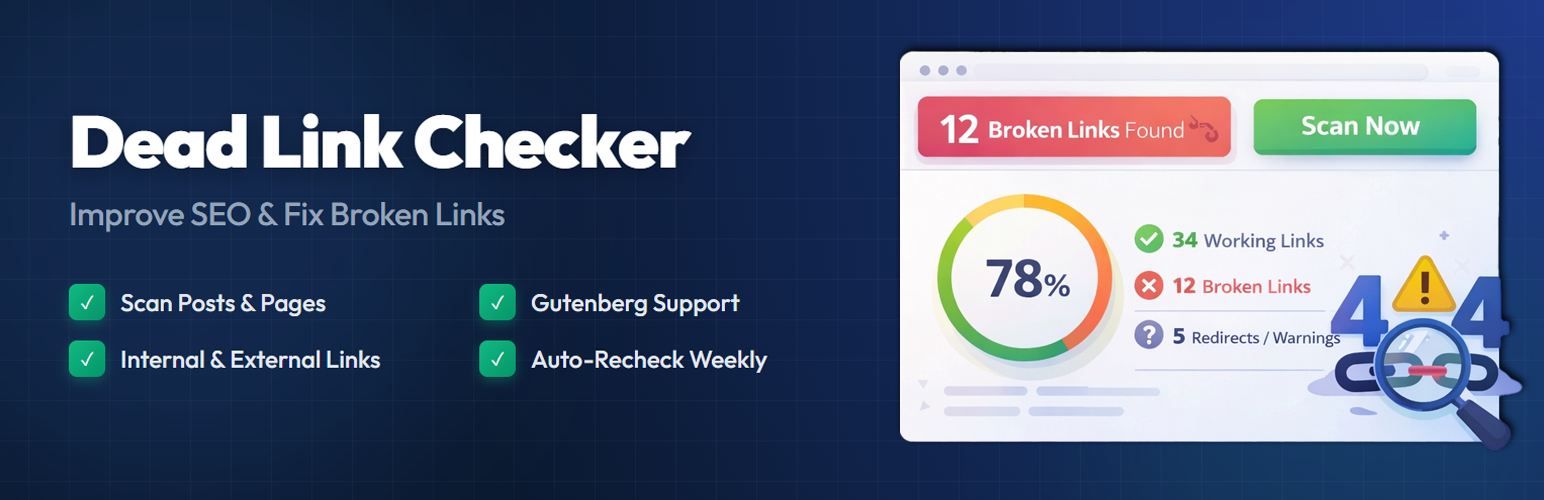
Dead Link Checker scans your WordPress posts and pages, finds broken links, and gives you a clear report so you can fix them quickly. It runs in the background without slowing down your site.
Whether you have a personal blog or a large content site, keeping your links healthy is one of the simplest things you can do for on-page SEO. This plugin handles the heavy lifting so you don’t have to check every link by hand.
How It Works
- Go to Dead Link Checker Dashboard in your WordPress admin.
- Click Scan Now to start scanning your content.
- The plugin checks every link in your posts and pages.
- Broken links, redirects, and slow responses show up in a visual report.
- Fix or dismiss links directly from the dashboard.
The scanner runs in small batches. This keeps your server running fast. It will not slow down your website for visitors.
Why Fixing a 404 Error Improves Your SEO
Search engines prefer websites with working links. Regular scans help keep your pages healthy.
- The scanner checks both internal and external links.
- It finds every dead link in your text.
- It lists all 404 error status codes.
- You can see redirects and response times.
- The plugin works with both block and classic editors.
- You can dismiss links to skip them in future scans.
How to Clean Up Your Website Links
- Go to the Dead Link Checker menu in your admin dashboard.
- Click the Scan Now button to start.
- The plugin will check your content in the background.
- Open the report to see the results.
- Edit your posts to fix the broken links.
- Dismiss links that do not need changes.
Pro Features
Take your link management further with Dead Link Checker Pro:
- Extended Content Scanning – Scan Custom Post Types, Comments, Navigation Menus, Widgets, and Custom Fields (including ACF).
- Page Builder Support – Full compatibility with Elementor, Divi, and WPBakery page builders.
- Redirect Manager – Create 301, 302, and 307 redirects directly from the broken link report. Includes a hit counter and import/export functionality.
- Email Notifications – Receive email alerts when new broken links are found. Set up weekly or monthly digest reports.
- Export Reports – Download your broken link reports as CSV or JSON files for offline review or sharing with your team.
- Multisite Support – Manage broken links across your entire WordPress multisite network.
- Priority Support – Get dedicated help from the development team with faster response times.
- Lifetime Updates – One-time purchase with lifetime access to plugin updates.
Free vs Pro Comparison
- Post & Page Scanning – Free ✓ | Pro ✓
- Internal & External Links – Free ✓ | Pro ✓
- Visual Dashboard – Free ✓ | Pro ✓
- Dismiss Links – Free ✓ | Pro ✓
- Scan History – Free ✓ | Pro ✓
- Custom Post Types – Free ✗ | Pro ✓
- Comments & Menus – Free ✗ | Pro ✓
- Page Builder Support – Free ✗ | Pro ✓
- Redirect Manager – Free ✗ | Pro ✓
- Email Notifications – Free ✗ | Pro ✓
- CSV/JSON Export – Free ✗ | Pro ✓
- Multisite Support – Free ✗ | Pro ✓
- Priority Support – Free ✗ | Pro ✓
ພາບໜ້າຈໍ

Dashboard – Overview of your site’s link health with status cards and scan controls. 
Broken Link Report – Detailed list of broken, working, and warning links with source information. 
Settings Panel – Configure scan options, link types, and scanner behavior. 
Redirects: (Pro) Manage 301 and 302 redirects easily. 

ການຕິດຕັ້ງ
- Upload the plugin folder to your plugins directory.
- Activate the plugin in your WordPress admin.
- Open the Dead Link Checker page.
- Click Scan Now to start checking your site.
ຄຳຖາມທີ່ພົບເລື້ອຍ
-
How does a dead link or broken link hurt my SEO?
-
Search engines want to give users a good experience. A site with many errors gets crawled less often. This hurts your visibility. Fixing every 404 error keeps your rankings safe.
-
Will this scanner cause server errors?
-
No. The tool checks links in small groups. It uses very little server power. Your website stays fast for all visitors.
-
Can I check external links for errors?
-
Yes. The plugin checks links pointing to other sites. It also checks internal links on your own site.
-
Does it find 404 error status codes?
-
Yes. It reports all 404 error pages. It also flags other server issues like 500 or 403 status codes.
ການຣີວິວ
ບໍ່ມີການຣີວິວສຳລັບປລັກອິນນີ້.
ຜູ້ຮ່ວມພັດທະນາ ແລະ ຜູ້ພັດທະນາ
“Dead Link Checker – SEO and 404 error Fix” ແມ່ນຊອຟແວໂອເພັນຊອດ (Open Source). ບຸກຄົນຕໍ່ໄປນີ້ໄດ້ມີສ່ວນຮ່ວມໃນການພັດທະນາປລັກອິນນີ້.
ຜູ້ຮ່ວມພັດທະນາ


ແປ “Dead Link Checker – SEO and 404 error Fix” ເປັນພາສາຂອງເຈົ້າ.
ສົນໃຈຮ່ວມພັດທະນາບໍ່?
ເບິ່ງລະຫັດ, ກວດເບິ່ງ ຄັງເກັບ SVN, ຫຼື ຕິດຕາມ ບັນທຶກການພັດທະນາ ຜ່ານ RSS.
ບັນທຶກການປ່ຽນແປງ
1.0.2
- Removed edit button and edit link functionality from the dashboard.
- Removed recheck option and its functionality.
- Removed images option from link type settings.
- Added “Upgrade to Pro” submenu page with feature highlights and comparison table.
- Centered help page content for improved readability.
- Fixed SQL prepared statement warnings for WordPress Plugin Check compliance.
- Fixed unescaped database parameter warnings in scanner and uninstall files.
- Rewrote readme.txt for WordPress.org guideline compliance.
- Updated plugin name to “Dead Link Checker” for consistency.
1.0.1
- Maintenance release.
- Updated readme for WordPress.org compliance.
1.0.0
- Initial release.