

ຄຳອະທິບາຍ
Your analytics tells you how many people visited. Your CRM knows the ones who filled out a form. Nobody owns the middle: the visitors who were interested, looked hard, and left without a name.
Bread & Butter is the middle.
They told us who they are. We didn’t guess.
Most visitor identification tools look up an IP address and hand you “someone at Acme.” Bread & Butter identifies people through your own forms and one-click social sign-in, so what lands in your dashboard is a real name, a role, a company, and an email address verified by the provider they signed in with. First-party data, given with consent. Nothing here breaks when third-party cookies finish dying.
What changes on Monday morning
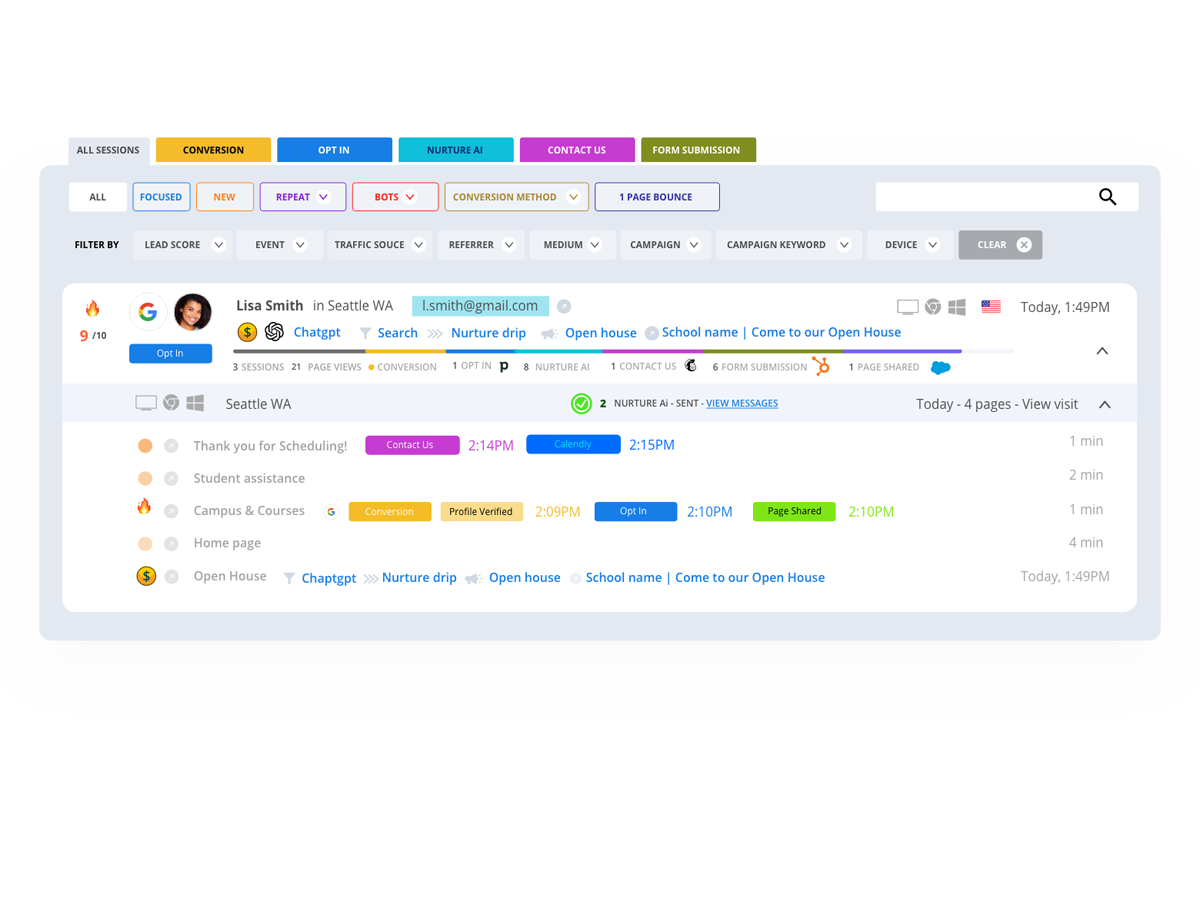
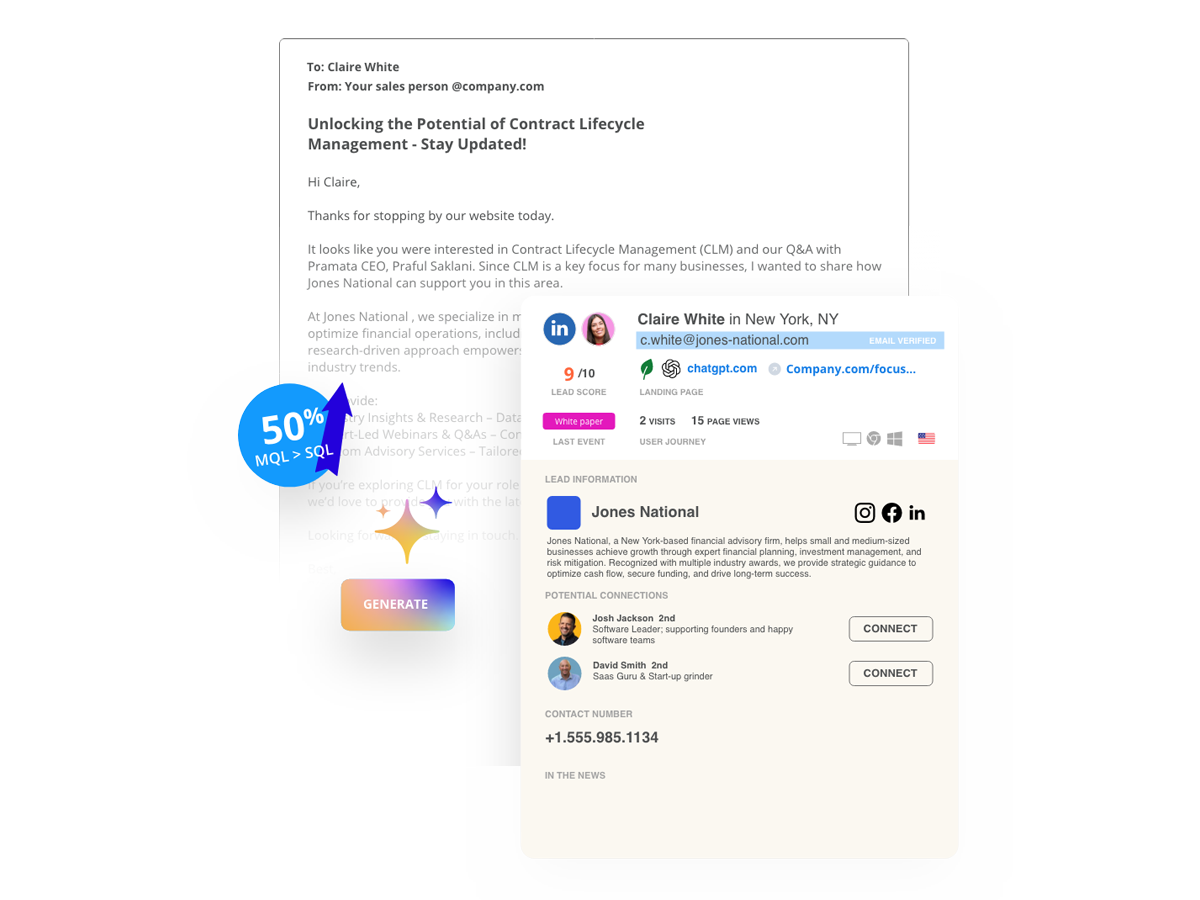
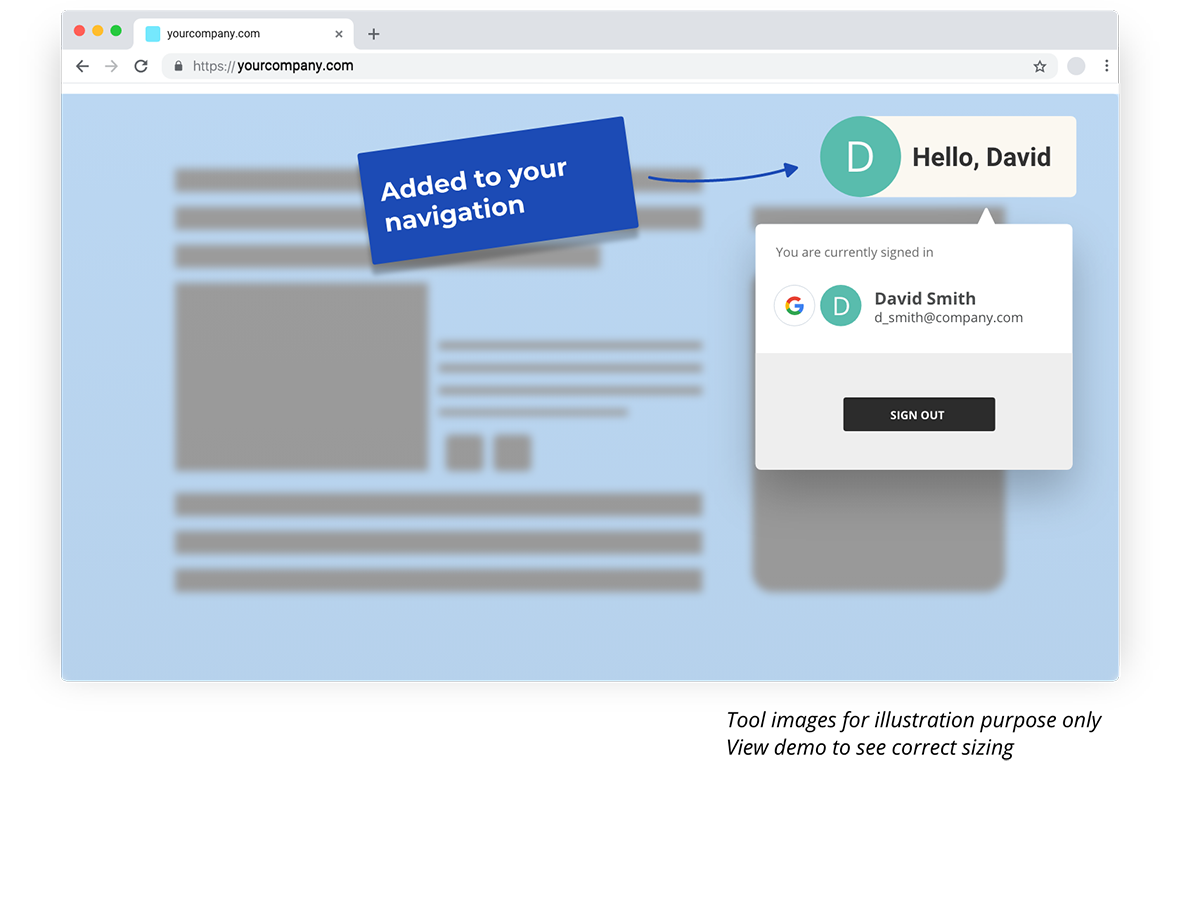
Named, not guessed. Every form submission and sign-in becomes a full profile: verified email, role, seniority, company, industry, location, social profiles. No data entry, no lookups.
Scored, not counted. Focused Score watches how each visitor actually behaves on your site and rates their buying intent from 1 to 10. Bots, scrapers, and your own team drop out. Your Engaged Leads tab shows the people worth calling, ranked.
Briefed, not listed. Each engaged lead gets an Intelligence Brief: who they are, what they looked at, what it means, and what to do next. Sent to Slack, your CRM, or your inbox the moment they qualify.
Works with the forms you already have
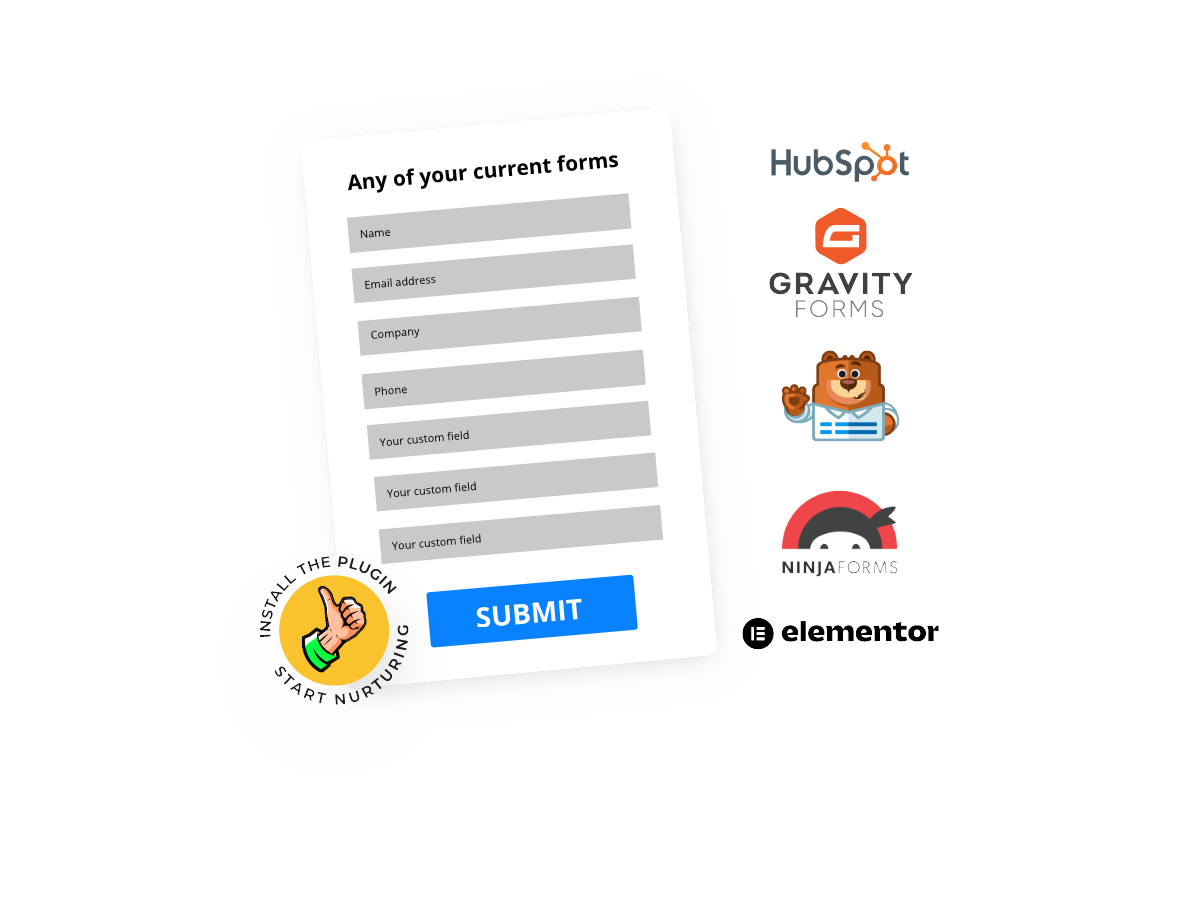
Install the plugin and it starts listening. Contact Form 7, WPForms, Gravity Forms, Ninja Forms, Formidable, Elementor forms, newsletter blocks: if there’s an email field on your site, Bread & Butter sees it. Your submissions still go wherever they go today. We run alongside, not in between.
Capture the ones who never fill out forms
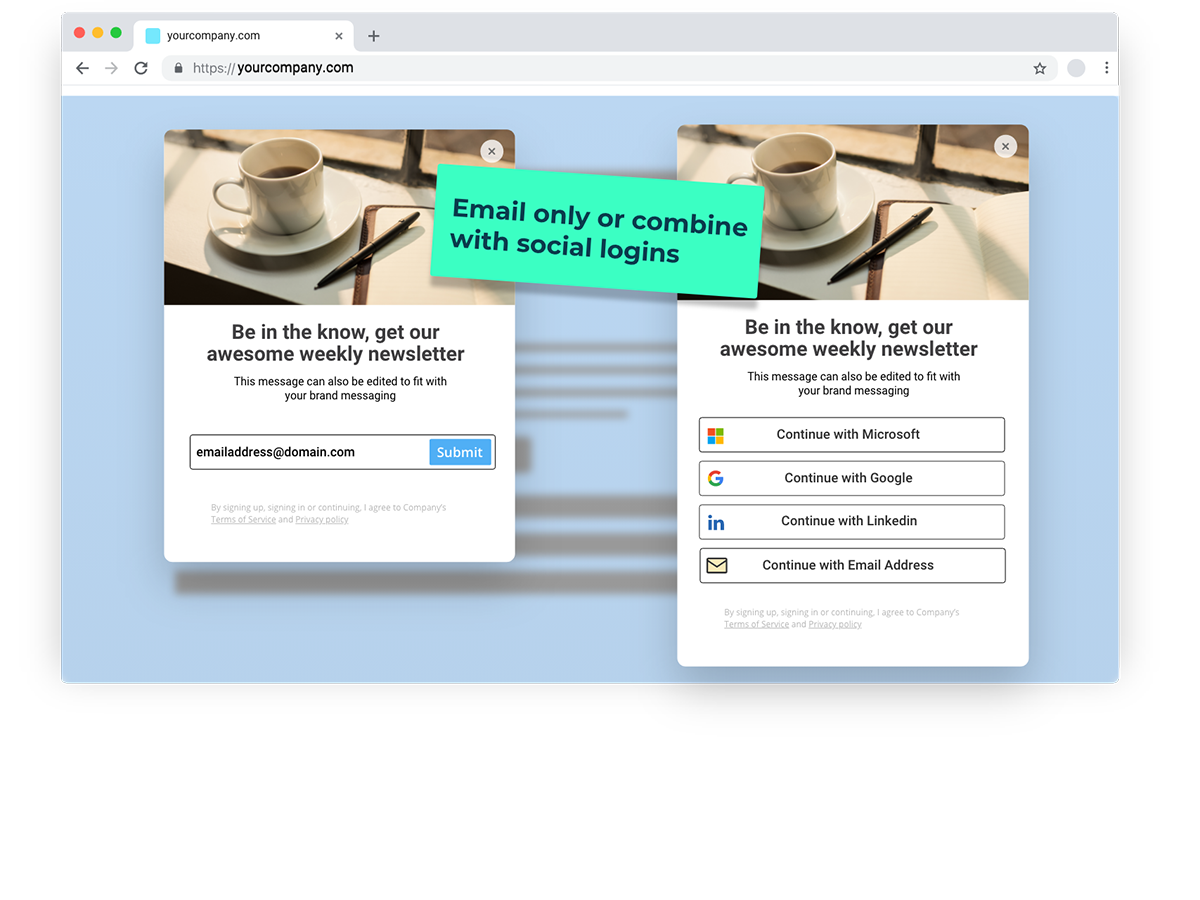
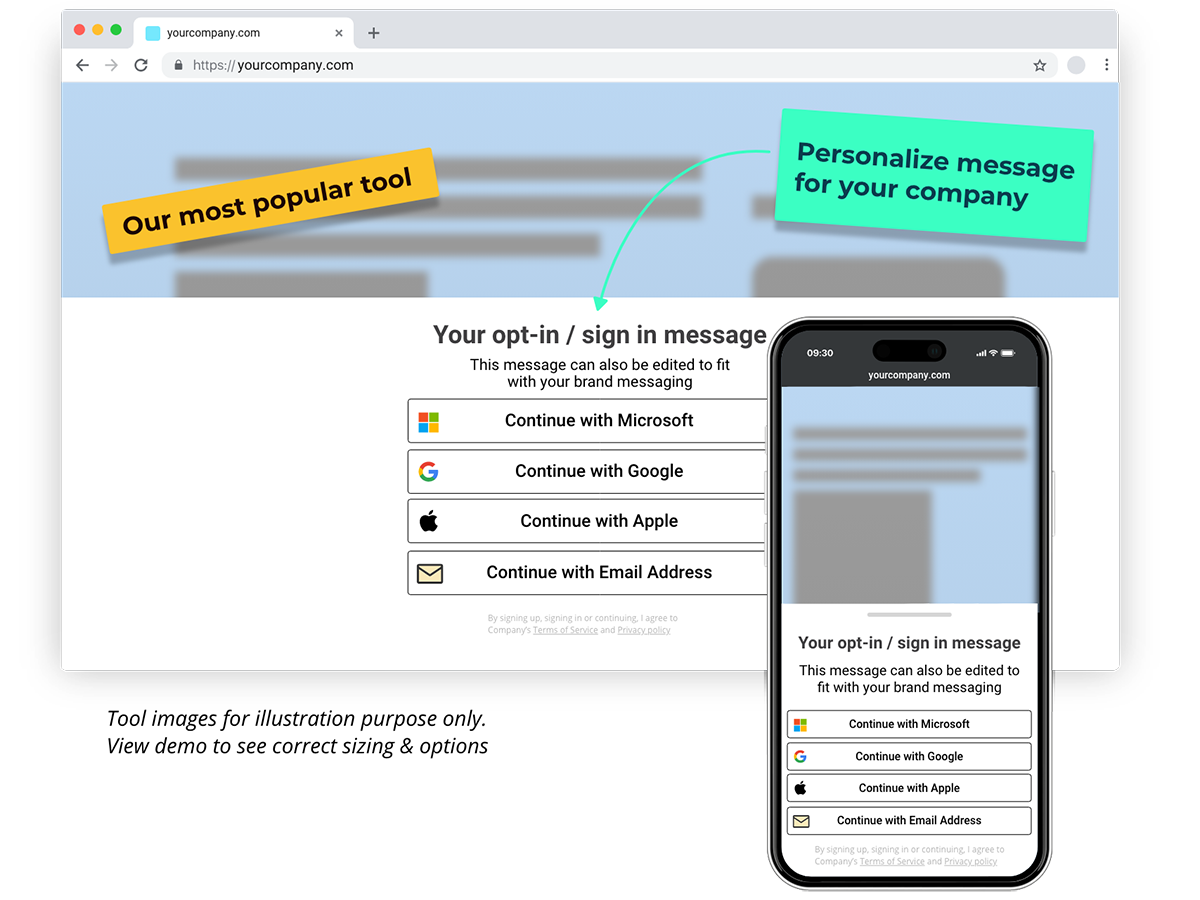
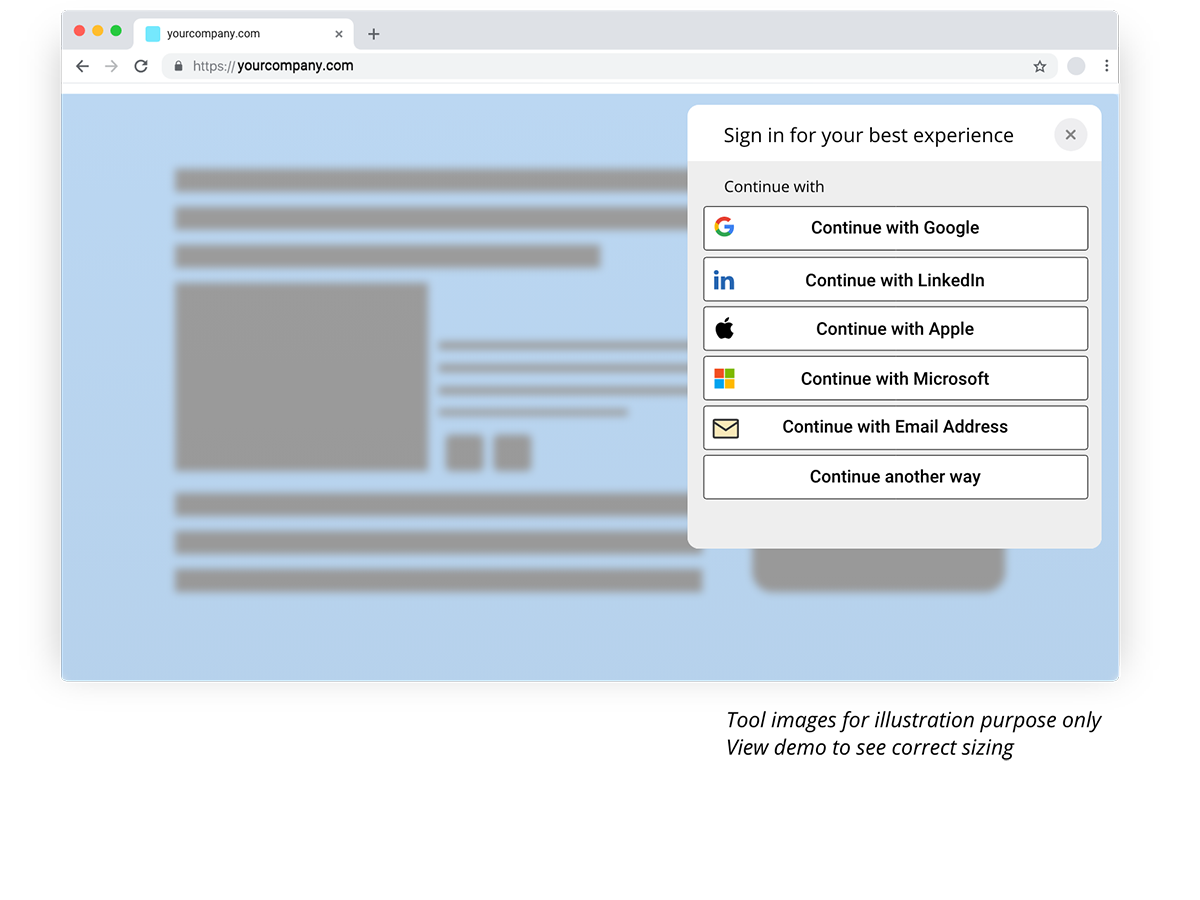
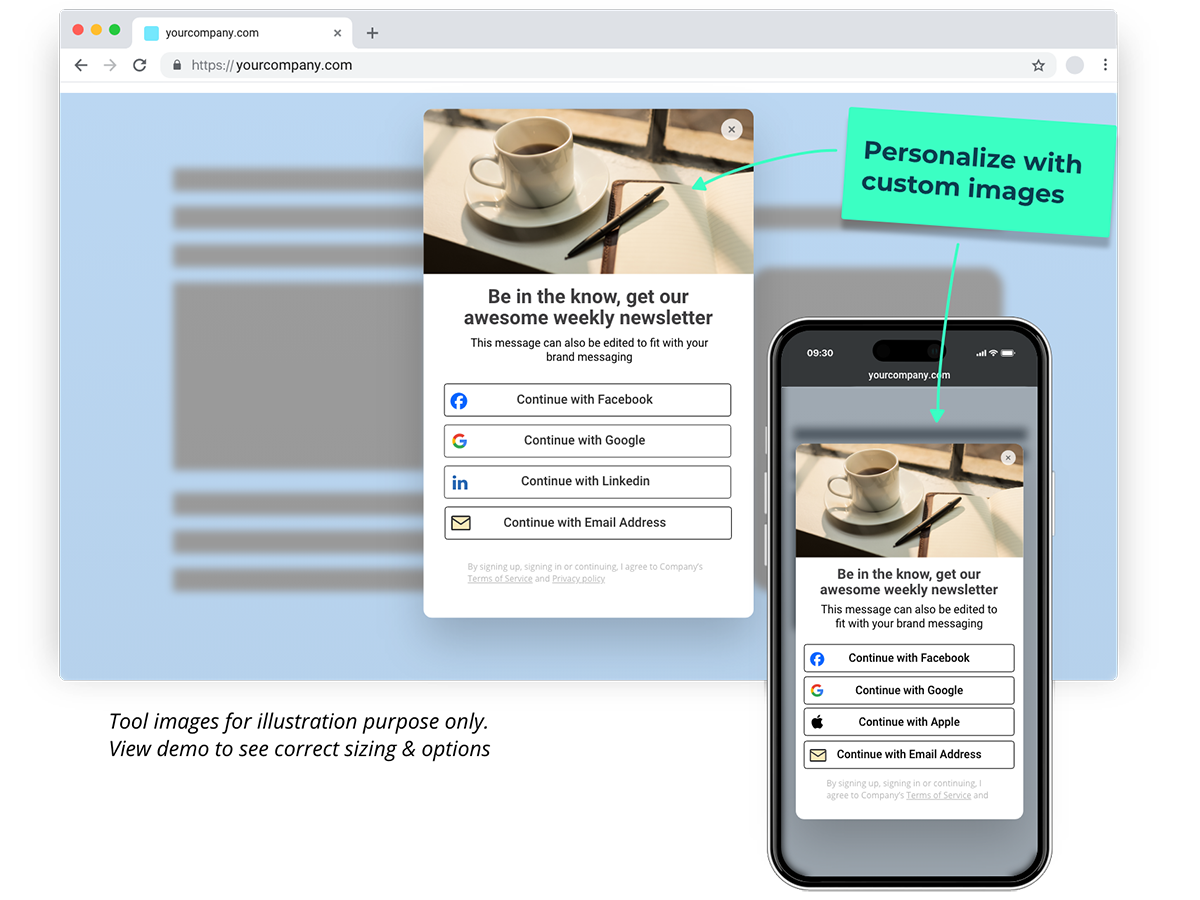
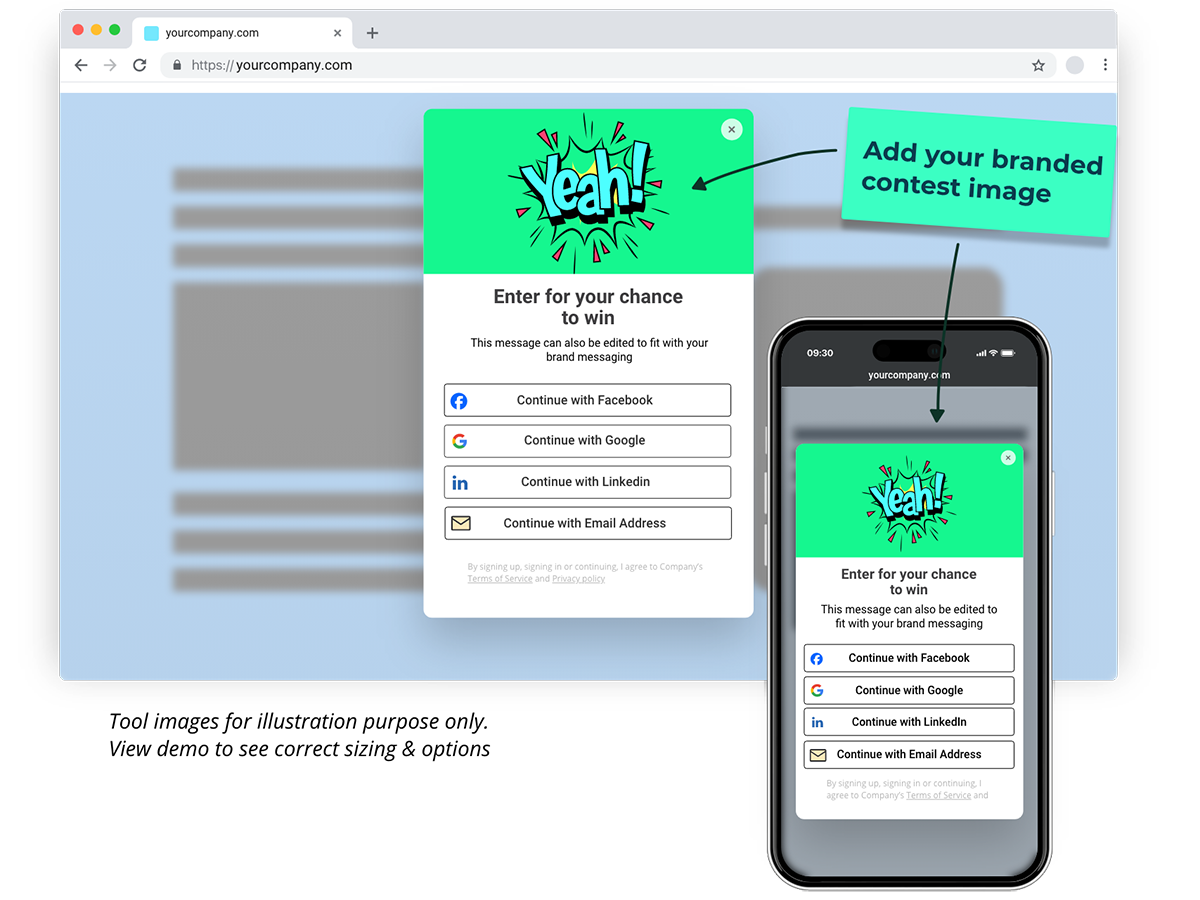
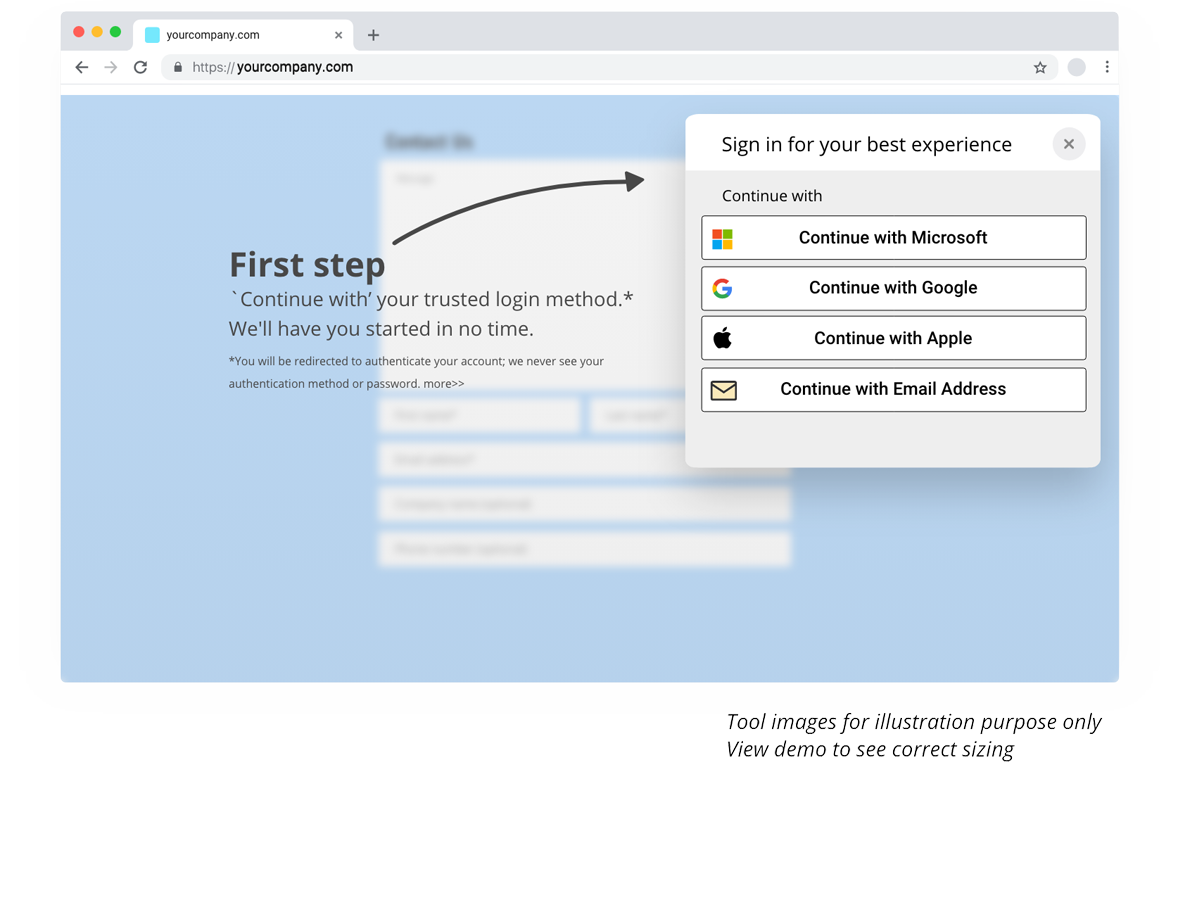
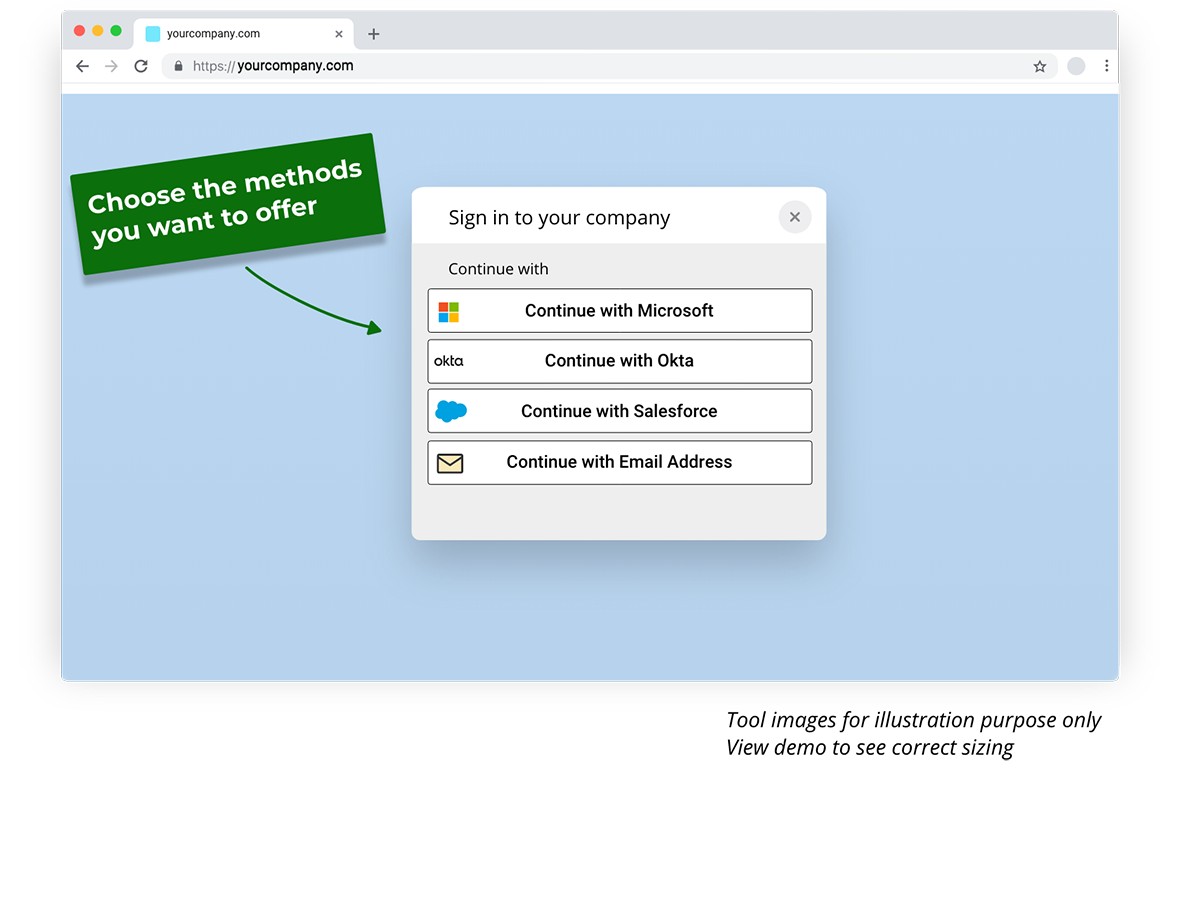
Social sign-in on any form. When a visitor clicks into a form field, they can skip typing and verify with Google, Microsoft, LinkedIn, or Apple in one click. More completions, and every one of them is a confirmed identity.
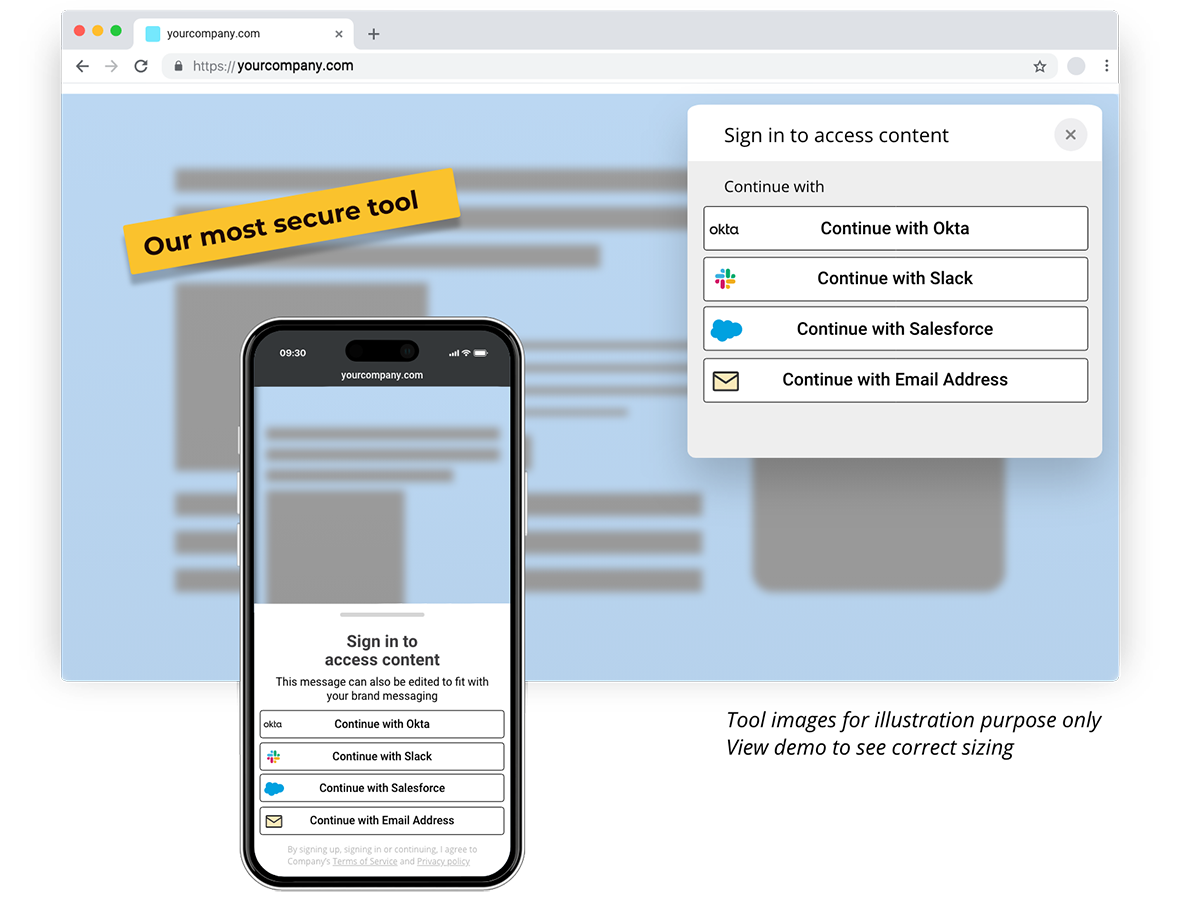
Content gates. Lock your best guide, report, or pricing page behind a one-click sign-in. Lock it immediately, after a scroll depth, or after a time delay. Unlock once, and the visitor is recognized across your whole site.
See which traffic actually pays
The Attribution Report connects each campaign, channel, and keyword to verified people and closed pipeline, not to sessions. Includes traffic from Google Ads, ChatGPT, Perplexity, and partner referrals, with bots stripped out. Your cost per lead becomes a number you can trust.
Who this is for
Revenue teams tired of getting a spreadsheet of email addresses and calling it lead generation. Marketers who need to prove which spend produced customers. Founders selling something considered enough that a name matters more than a click.
Free to start. Lead capture and attribution run on every plan.
ພາບໜ້າຈໍ

ບລັອກ
ປລັກອິນນີ້ມີ 6 ບລັອກ.
- Breadbutter Content Classic Enable breadbutter content classic
- Breadbutter Form Conversion Booster Add a conversion booster to your forms with breadbutter
- Breadbutter Content Secure Enable breadbutter content secure
- Breadbutter Calendly Form Gate Fill out user information into the Calendly widget
- Breadbutter Page Load Event Trigger an event on page load
- Breadbutter Content Preview Enable breadbutter content preview
ການຕິດຕັ້ງ
- In your WordPress admin, go to Plugins Add New Plugin.
- Search for Bread & Butter.
- Click Install Now, then Activate.
- Open Bread & Butter in the left menu and sign in to connect your site.
That’s the whole setup. Your existing forms and pages are untouched.
ຄຳຖາມທີ່ພົບເລື້ອຍ
-
Do I have to rebuild or reconfigure my forms?
-
No. Bread & Butter works with the forms you already have. No field mapping, no CSS changes, no change to what your visitors see.
-
Does this change where my form submissions go?
-
No. If a form sends to HubSpot, Mailchimp, or Slack today, it keeps doing exactly that. Bread & Butter listens alongside and sends the enriched profile to your dashboard and, if you choose, to your CRM.
-
How is this different from IP-based visitor identification?
-
IP lookup tells you a company, sometimes. Bread & Butter identifies the person, because they signed in or submitted a form. You get a verified email and a name, not an inference.
-
Will it slow my site down?
-
The plugin adds one lightweight script that loads asynchronously. It doesn’t block rendering or affect your Core Web Vitals.
-
What does the free plan include?
-
Visitor tracking, lead capture from your existing forms, and attribution reporting. AI profile enrichment, Focused Score, and Intelligence Briefs are available on paid plans and during the free trial.
-
Is this GDPR-compliant?
-
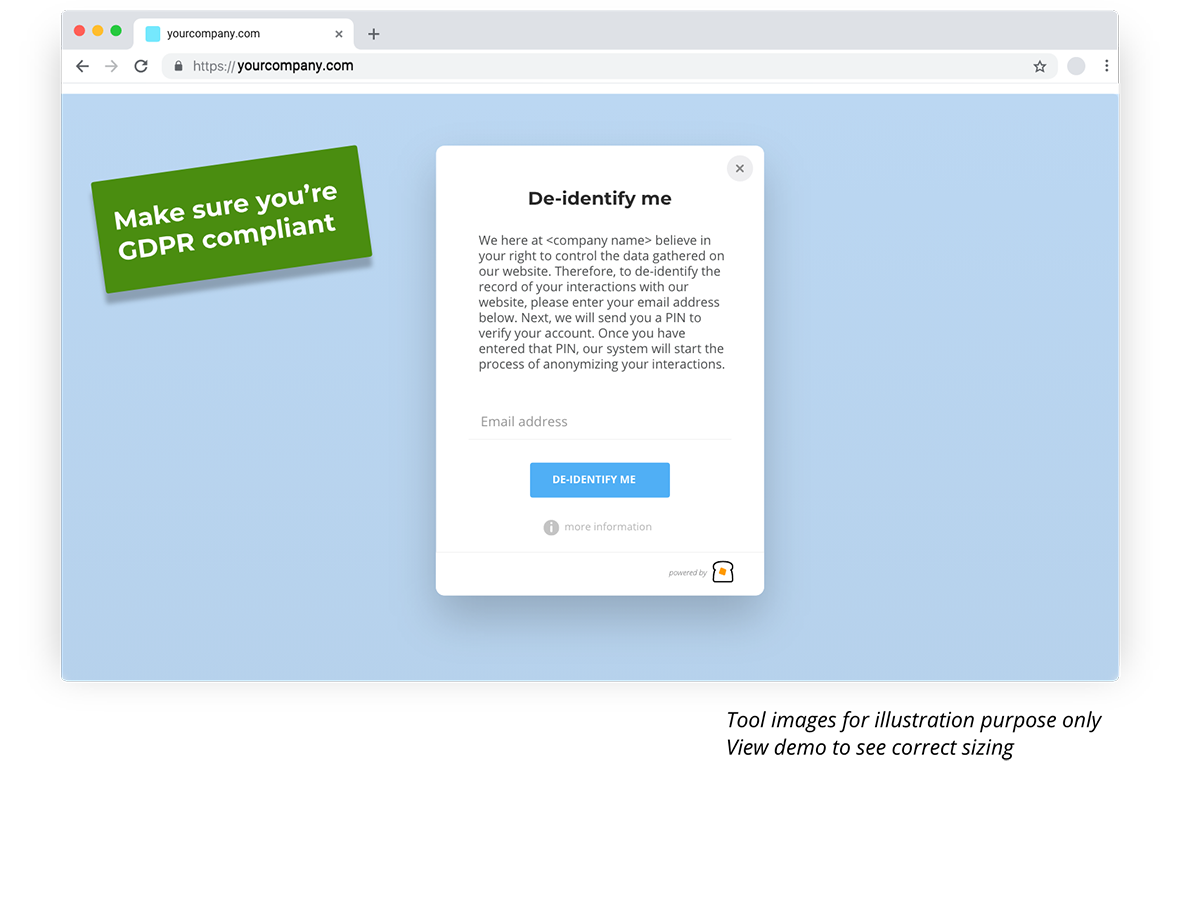
Bread & Butter uses first-party identification. Visitors are identified when they submit a form or sign in, not through fingerprinting or third-party cookies. See our Privacy Policy.
ການຣີວິວ


ຜູ້ຮ່ວມພັດທະນາ ແລະ ຜູ້ພັດທະນາ
“Bread & Butter – Identify Website Visitors, Score Leads & Gate Content” ແມ່ນຊອຟແວໂອເພັນຊອດ (Open Source). ບຸກຄົນຕໍ່ໄປນີ້ໄດ້ມີສ່ວນຮ່ວມໃນການພັດທະນາປລັກອິນນີ້.
ຜູ້ຮ່ວມພັດທະນາ
ແປ “Bread & Butter – Identify Website Visitors, Score Leads & Gate Content” ເປັນພາສາຂອງເຈົ້າ.
ສົນໃຈຮ່ວມພັດທະນາບໍ່?
ເບິ່ງລະຫັດ, ກວດເບິ່ງ ຄັງເກັບ SVN, ຫຼື ຕິດຕາມ ບັນທຶກການພັດທະນາ ຜ່ານ RSS.
ບັນທຶກການປ່ຽນແປງ
9.5.0.221
- Platform and tracking library updates through release 9.5. Full notes at https://support.breadbutter.io/category/6-release-notes
9.0
- Tracking snippet now loads the library from a dynamic
.latestCDN link, so sites stay current without a plugin update. - First-time setup screens redesigned with embedded video tutorials and clearer dismissal states.
- “API Keys” renamed to “App Secret” throughout the plugin.
- Privacy Policy and Terms links added to the plugin’s left-hand menu.
- Asynchronous processing optimisations so the plugin does not affect site load speed.
8.7
- New Cookie Consent settings page inside the WordPress admin.
- Subdomain merging: the plugin now detects an existing App matching the primary domain when setting up additional sites.
- “Enable Bread & Butter login on WP-admin” is now disabled by default.
- Security: fixed a medium-severity stored XSS vulnerability in custom event shortcode rendering.
- Fixed App name not updating when connecting an existing App to a WordPress site.
8.5 / 8.6
- Custom Post Type targeting for gates and tools.
- Custom CSS theme editor for advanced users.
- Custom success text on Content Gates.
- Exposed the Remember Close timer for the Instant Lead Capture widget.
- Redesigned the Not Set Up state.
- Fixed an incompatibility that hid configuration fields in the Custom Post Type UI plugin.
8.4
- One-click connection: “Connect & Start Enriching” launches a streamlined sign-in.
- Hidden manual configuration for entering App ID and Secret directly.
- Automated domain verification with one-click Callback URL copy.
- In-app documentation pages for Form Booster and Calendar Booster.
- Fixed page-specific Newsletter tool settings being overridden by global settings.
8.3
- Three most recently active users shown on the plugin Home page, with a direct link to each profile.
- New block to trigger a custom event on page load.
- Standard shortcode for the Universal Form Code snippet.
- Fixed a Content Gate login loop.
- Fixed Form Booster code appearing as visible text.
- Plugin checker now scans for and resolves common errors automatically.
8.2
- Redesigned plugin dashboard that walks through setup stages.
- Content Gate Secure and Content Gate Preview available as blocks in the editor.
- Page settings reorganised; colour picker inputs added.
- Customisable button text for the “Continue with” opt-in tool.
- Fixed
wpp-introevent not firing consistently on fresh installs. - Fixed unresponsive “Launch Setup Wizard” button in Advanced Settings.