

ຄຳອະທິບາຍ
A Synchronization is a wordpress plugin provide by Esone.
– WordPress Plugin Page: https://wordpress.org/plugins/a-synchronization
– GitHub: https://github.com/ee01/Async
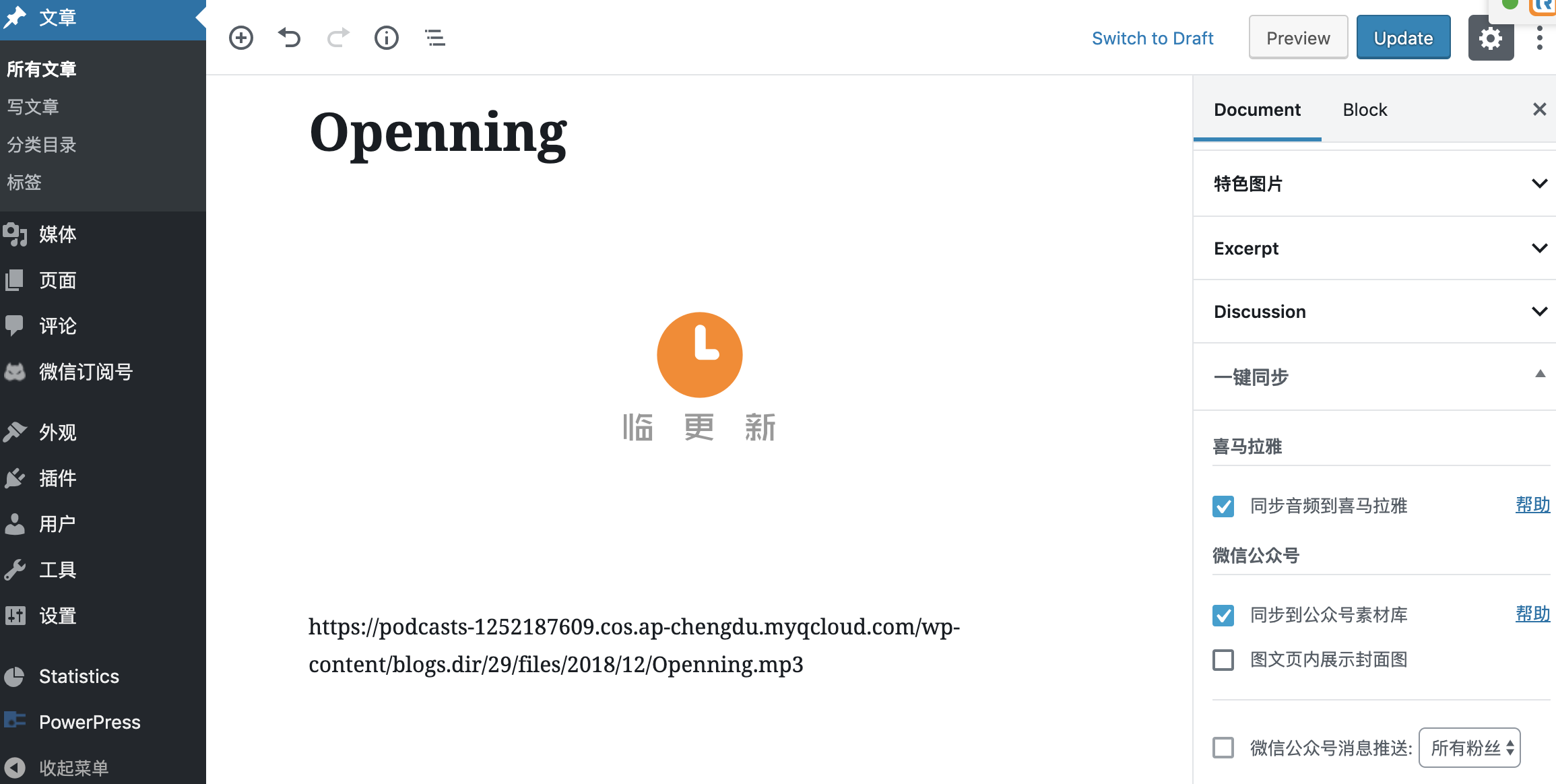
Synchronize articles or audios to other platforms.
Now we support:
* Ximalaya
* WeChat OA(need other plugins: https://wordpress.org/plugins/a-wechat/)
Arbitrary section
You may provide arbitrary sections, in the same format as the ones above. This may be of use for extremely complicated
plugins where more information needs to be conveyed that doesn’t fit into the categories of “description” or
“installation.” Arbitrary sections will be shown below the built-in sections outlined above.
ພາບໜ້າຈໍ


ການຕິດຕັ້ງ
git clone git@github.com:ee01/Async.git /wp-content/plugins/Async- Activate the plugin through the ‘Plugins’ screen in WordPress
- Use the Settings->A Sync screen to configure the plugin
ຄຳຖາມທີ່ພົບເລື້ອຍ
- Should we upgrade this plugin via git?
-
Yes. Please install via git clone to the plugin folder above instead of uploading files.
ການຣີວິວ
ບໍ່ມີການຣີວິວສຳລັບປລັກອິນນີ້.
ຜູ້ຮ່ວມພັດທະນາ ແລະ ຜູ້ພັດທະນາ
“A Synchronization” ແມ່ນຊອຟແວໂອເພັນຊອດ (Open Source). ບຸກຄົນຕໍ່ໄປນີ້ໄດ້ມີສ່ວນຮ່ວມໃນການພັດທະນາປລັກອິນນີ້.
ຜູ້ຮ່ວມພັດທະນາ
ແປ “A Synchronization” ເປັນພາສາຂອງເຈົ້າ.
ສົນໃຈຮ່ວມພັດທະນາບໍ່?
ເບິ່ງລະຫັດ, ກວດເບິ່ງ ຄັງເກັບ SVN, ຫຼື ຕິດຕາມ ບັນທຶກການພັດທະນາ ຜ່ານ RSS.
ບັນທຶກການປ່ຽນແປງ
1.3
- Support delete Ximalaya when post deleted
1.2
- Validate account via SMS Code in the setting page
1.0
- Support sync audio of posts to Ximalaya