
ຄຳອະທິບາຍ
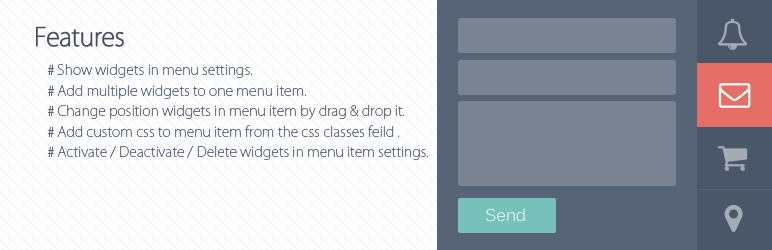
A standard wordpress plugin that helps you add multiple widgets to navigation menu item.
Features
- Show widgets in menu settings.
- Add multiple widgets to one menu item.
- Change position widgets in menu item by drag & drop it.
- Add custom css to menu item from the css classes feild in menu settings, the css classes starts to ‘menu-item will’ appends in “li” tag and the rest of appends to “i” tag.(eg: )
Activate / Deactivate / Delete widgets in menu item settings.
ພາບໜ້າຈໍ

Show the Menubar area in widgets section. 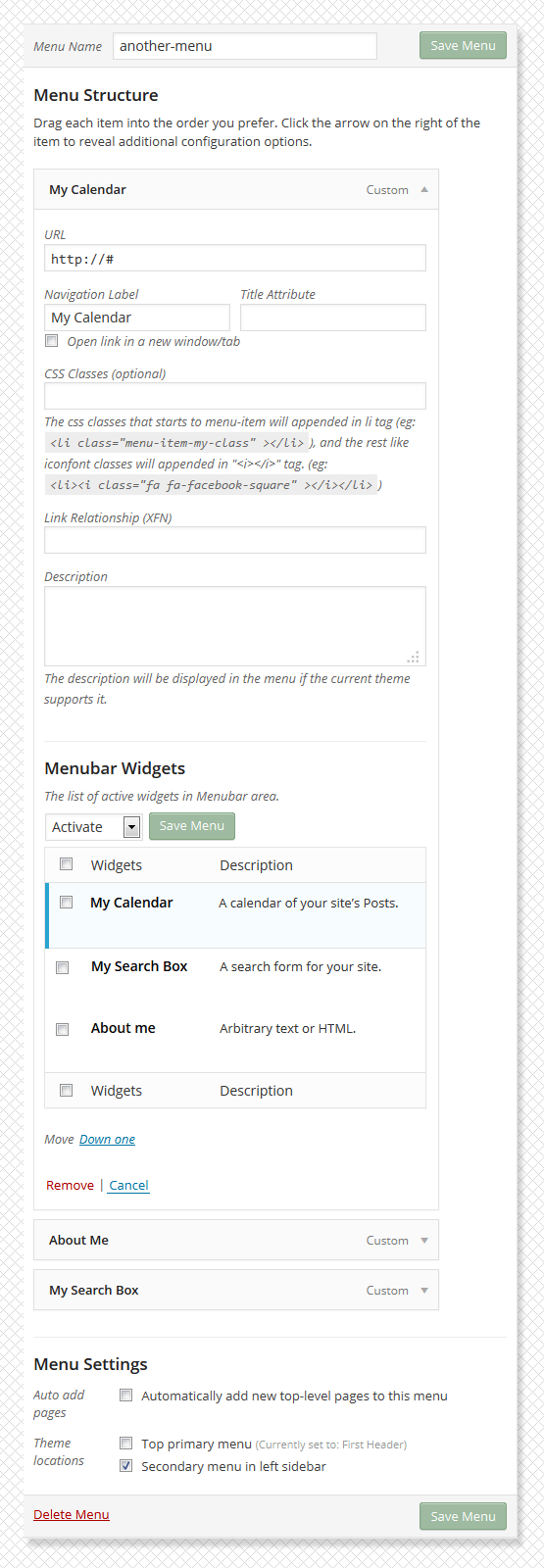
Menu item settings. 
Show the widgets front-end in navigation menu. 
Menubar Widgets list.
ການຕິດຕັ້ງ
- Download the latest version Menubar Widgets, or copy it to local by
git clone https://bitbucket.org/khosroblog/menubar-widgets.git - Move the menubar-widgets folder in the
wp-content/pluginsdirectory. - Navigate to the Plugins dashboard page.
- Activate the plugin Menubar Widgets.
ຄຳຖາມທີ່ພົບເລື້ອຍ
You can to use this link for support and error reporting.
- https://bitbucket.org/khosroblog/menubar-widgets/issues/
ການຣີວິວ

3 ກັນຍາ 2016
1 ການຕອບກັບ
This is an amazing plug in – I can’t believe that it is free!! After a few teething problems, I got it to work. And replies to questions were very fast – great support. Thank you.
ຜູ້ຮ່ວມພັດທະນາ ແລະ ຜູ້ພັດທະນາ
“Menubar Widgets” ແມ່ນຊອຟແວໂອເພັນຊອດ (Open Source). ບຸກຄົນຕໍ່ໄປນີ້ໄດ້ມີສ່ວນຮ່ວມໃນການພັດທະນາປລັກອິນນີ້.
ຜູ້ຮ່ວມພັດທະນາ
ແປ “Menubar Widgets” ເປັນພາສາຂອງເຈົ້າ.
ສົນໃຈຮ່ວມພັດທະນາບໍ່?
ເບິ່ງລະຫັດ, ກວດເບິ່ງ ຄັງເກັບ SVN, ຫຼື ຕິດຕາມ ບັນທຶກການພັດທະນາ ຜ່ານ RSS.
ບັນທຶກການປ່ຽນແປງ
v0.1.0
- Initial release.